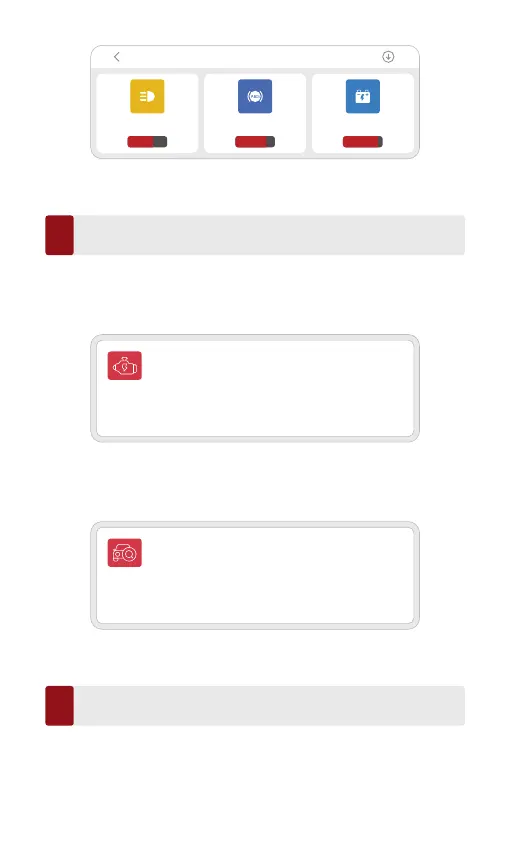
RESETAFS
V10.80 I 70.3MB
65.12%
RESETBLEED
V10.80 I 97.7MB
80.25%
RESETBMS
V10.80 I 79.6MB
90.25%
Repair Maintenance
ALL SYSTEMS DIAGNOSTIC
Enhanced diagnostic for all systems. Read and
clear fault codes, read data stream, etc.
OBD FUNCTIONS
OBD scan will inspect emission related issues of
powertrain.
Home page
7
Click "OBD fuction" on the home page to enter the OBD function. There are
8 function menus to choose from: Read fault code, clear fault code, read
data stream, freeze frame, O2 sensor test, ON-BOARD montoring, EVAP
system.
Different Lights While Using Your THINKDIAG 2
8
Continuous red light: The device is power on
Continuous blue light: Bluetooth is connected
Continuous green light: Diagnostic connection indicator
Click "ALL SYSTEMS DIAGNOSTIC" on the home page to access the all
systems diagnosis DIAGNOSTIC function. After entering, you can choose to
read VIN information intelligently or choose your own vehicle brand to enter
diagnosis.



 To Next Page