EN
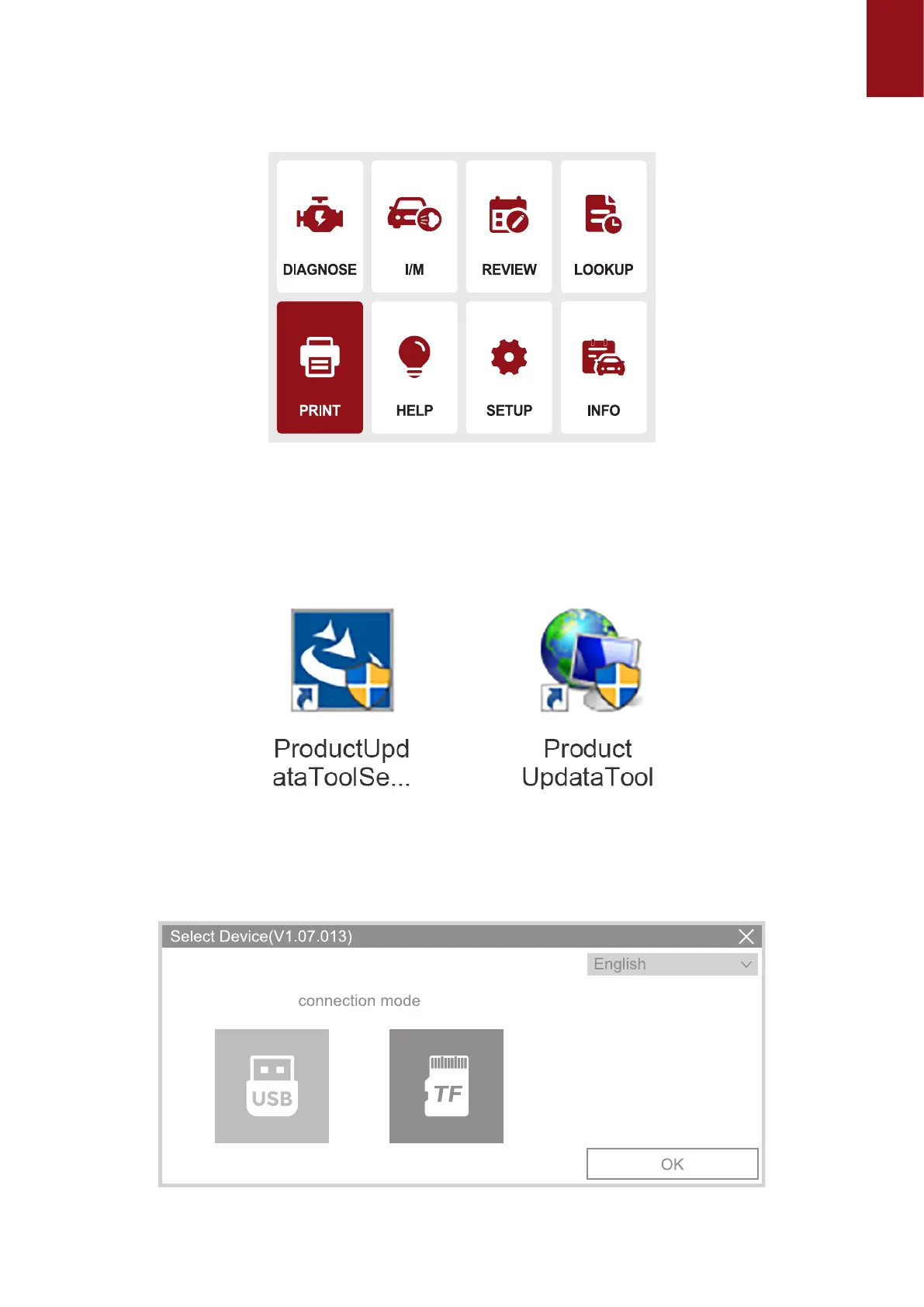
5. Select "Print" and click "OK" to enter the "UPLOAD RECORD" interface to view the
prompts, click "Help and I/M" to view the prompts and operate whether to delete the
information.
The rst step is to open the browser and enter the URL: https://mythinkcar.com/ to enter the
ocial website, click Download. A drop-down box will appear and select THINKOBD Update tool
of THINKOBD, and download the installation tool.
5.1When THINKOBD Update tool downloads the installation package successfully, the following
program will appear (as shown in the gure below):
5.2 The second step is to connect the computer and the OBD500 device via the MINI USB
identication port, open the Product Update Tool program, select the USB mode, and click the
OK button. After the automatic connection is successful, select Print Manager to enter the print
page;



 To Next Page