EN
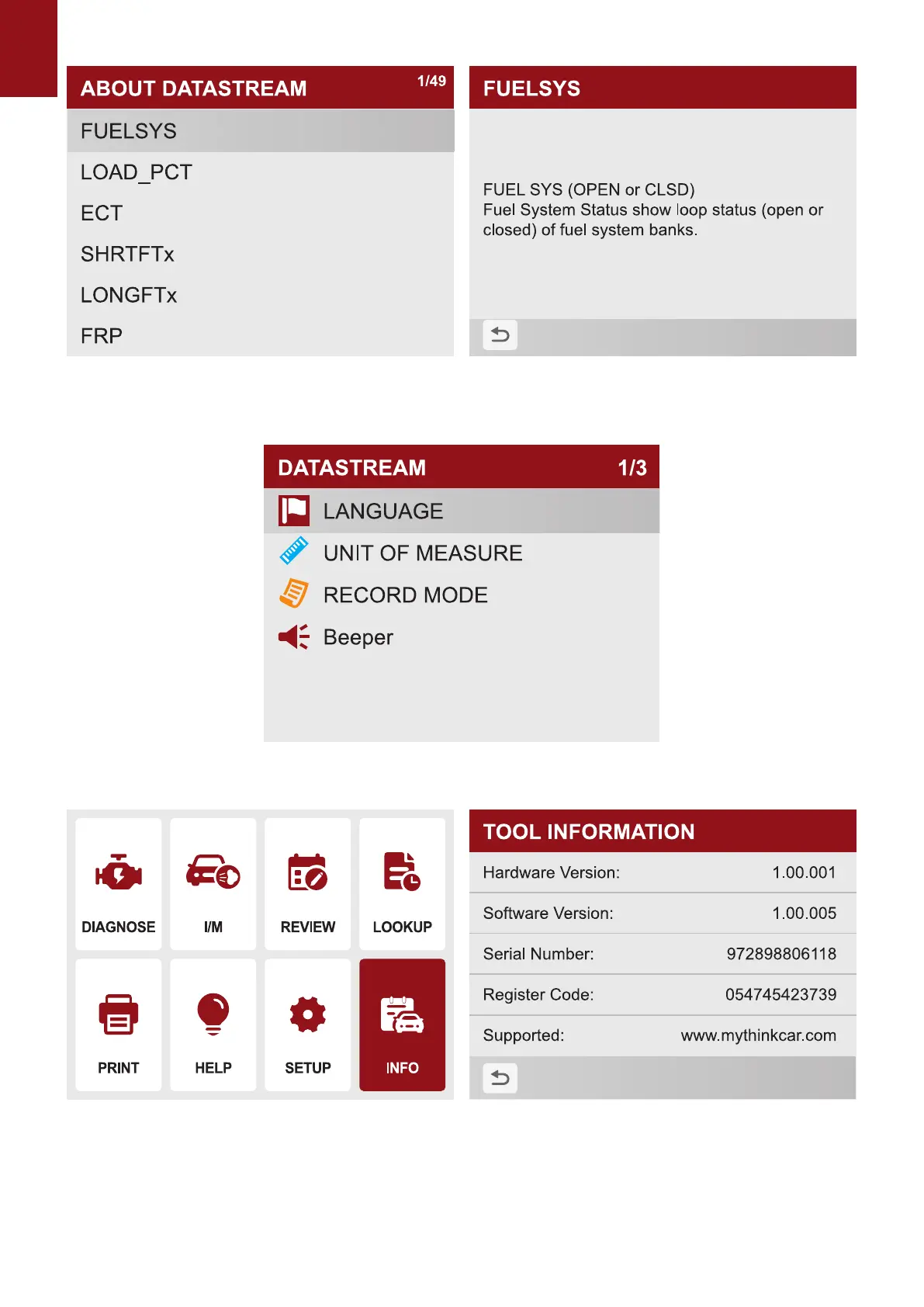
7. Select "Settings" and click "OK" to set the native language, unit of measure, record mode and
sound.
8.Select "info" and click "OK" to view local information
9. Update
The tool can be updated via a USB cable.
Note: Make sure that your computer has Internet connection.
1.1 Please log in to http://www.mythinkcar.com ocial website and nd the "THINKOBD



 To Next Page