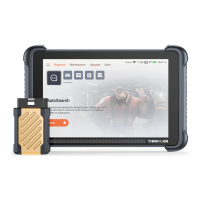
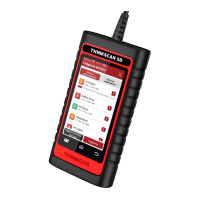
Connect the THINKTOOL Reader with your vehicle through the
OBDII port
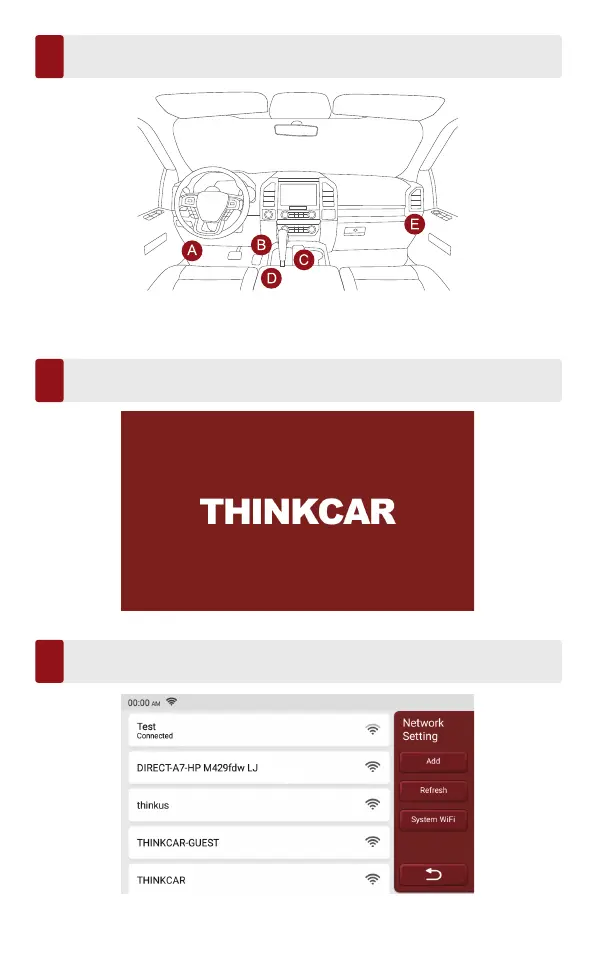
Usually, the OBD port is located under the dashboard, above the pedal on the
driver’s side. The five locations shown in the picture are common OBDII port
locations.
Turn on the THINKTOOL Reader
After connecting with the car, the screen will display as shown in the picture.
Connect Wi-Fi
The system will automatically search all available Wi-Fi networks and you can
choose the Wi-Fi needed. Notice the “Wi-Fi” must be set before use.
1
2
3



 To Next Page