3SlotforwirelessWANcardorM.2solid-statedrive
Yourcomputermighthaveawirelesswideareanetwork(WAN)cardinstalledinthisslotforyoutoestablish
wirelessWANconnections.
Forsomemodels,anM.2solid-statedrivemightbeinstalledfordatastorageinsteadofawirelessWANcard.
4Memory-upgradeslot
Youcanincreasetheamountofmemoryinyourcomputerbyinstallingamemorymoduleinthe
memory-upgradeslot.MemorymodulesareavailableasoptionsfromLenovo.
5Harddiskdriveorsolid-statedrive
Dependingonthemodel,thecomputermighthavealarge-capacity,customer-upgradableharddiskdrive
thatcanmeetvariousstoragedemands.
Somemodelshaveasolid-statedrivefordatastorage.Thesolid-statedrivemakesyourcomputerlight,
small,andfast.
Note:Thehiddenservicepartitionisthereasonwhythereislessfreespacethanexpectedonyourhard
diskdriveorsolid-statedrive.Thisreductionismorenoticeableonthesolid-statedrivebecauseofits
smallercapacity.
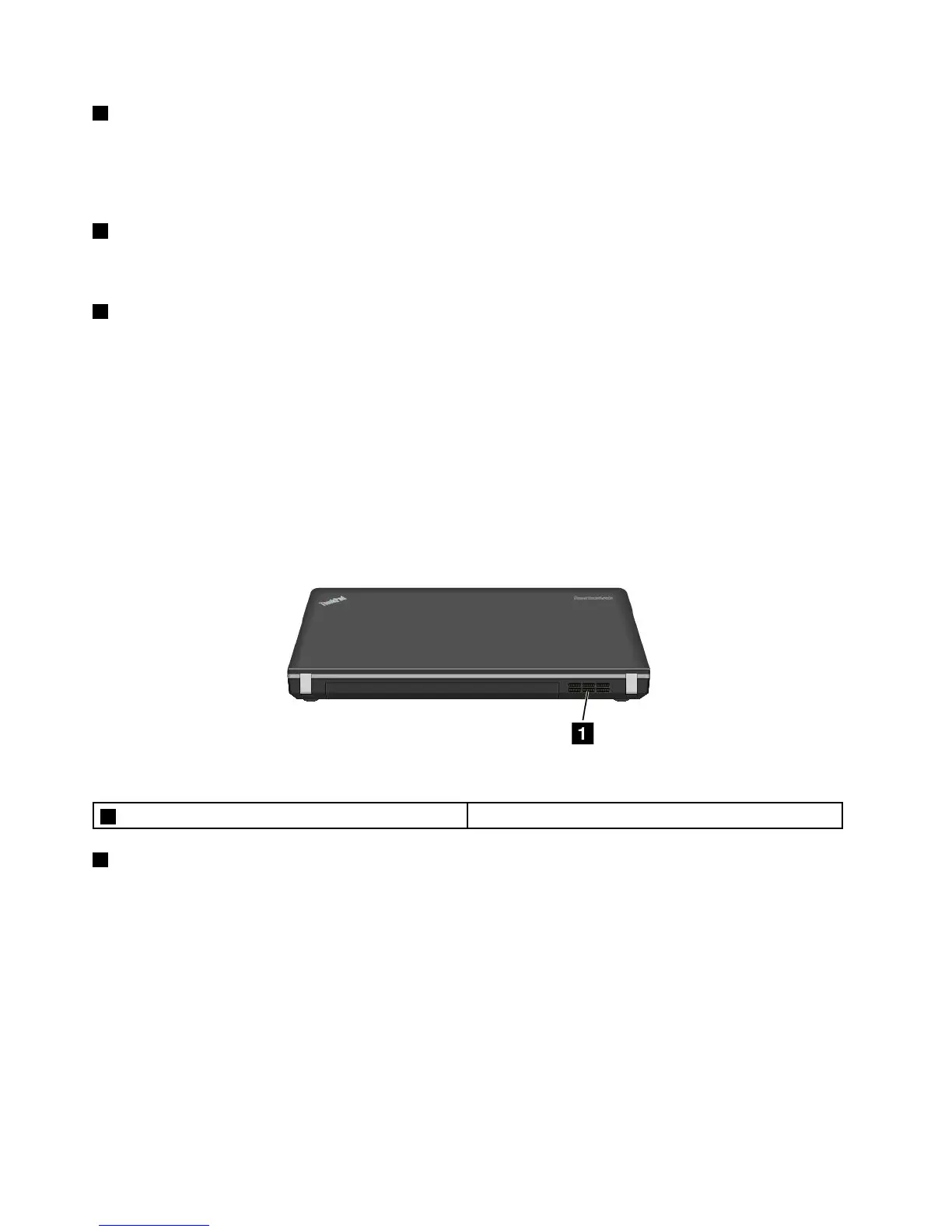
Rearview
Figure7.ThinkPadEdgeE440andE540rearview
1Fanlouvers(rear)
1Fanlouvers(rear)
Thefanlouversandtheinternalfanenableairtocirculateinthecomputertoensurepropercooling,
especiallythecoolingofthemicroprocessor.
Note:Toensureproperairflow,donotplaceanyobstacleinfrontofthefanlouvers.
Statusindicators
Yourcomputerhasseveralstatusindicatorsshowingthestatusofyourcomputer.
Note:Yourcomputerkeyboardmightlookdifferentfromthefollowingillustration.
10UserGuide



 To Next Page