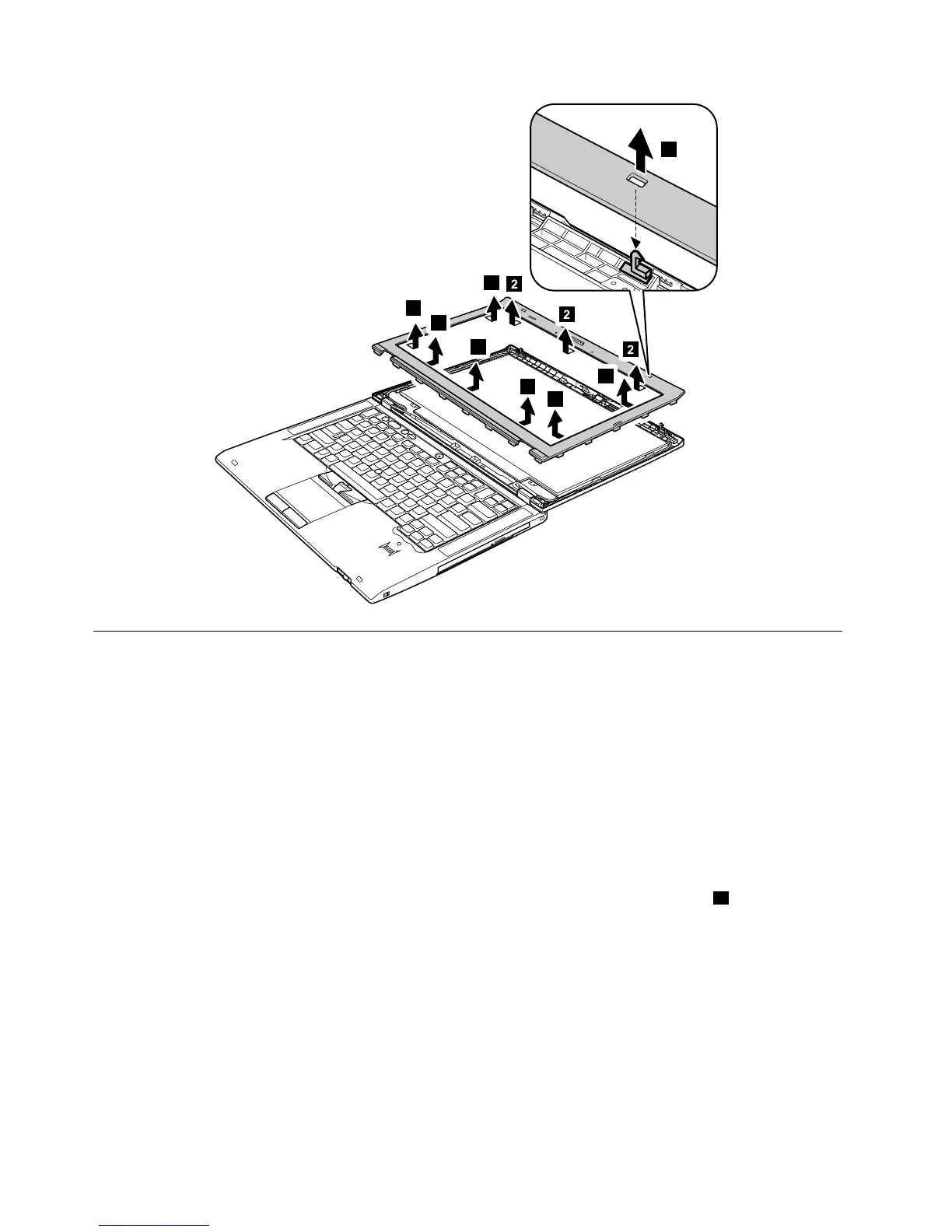
2020LCDpanel
Foraccess,removetheseFRUs,inorder:
•“1010Batterypack”onpage68
•“2010LCDbezelassembly”onpage101
TheLCDpanelandtheperipheralpartsusedinthisproductareverysensitive.Improperhandlingofthe
LCDpanelcancausedamagetotheparts,andmaycauseasystemmalfunctionsuchasamissingdot,
missingline,orpixelproblems.
•DonotapplyanykindofpressuretotheLCDpanel.
•WhenyoulifttheLCDpanel,alwaysholdtheleftandrightedgesofthepanelwithbothofyourhands.Do
notholdthepanelwithonehandorholdthetopandbottomedgesofthepanel.
•Donottouchorapplyanykindofpressuretotheprintcircuitboardorsensitivepartsaasshown
inthefollowingfigure.
102HardwareMaintenanceManual



 To Next Page