6. Compatibility
Cycling APP Settings
This trainer is a general equipment, can adapt to most of the standard agreement of
third-party cycling software. After downloading and installing the cycling software on your
smartphone or computer, switch on the power of the trainer, open the software, nd the
device connection interface in the software, search and connect the “cycling trainer“.
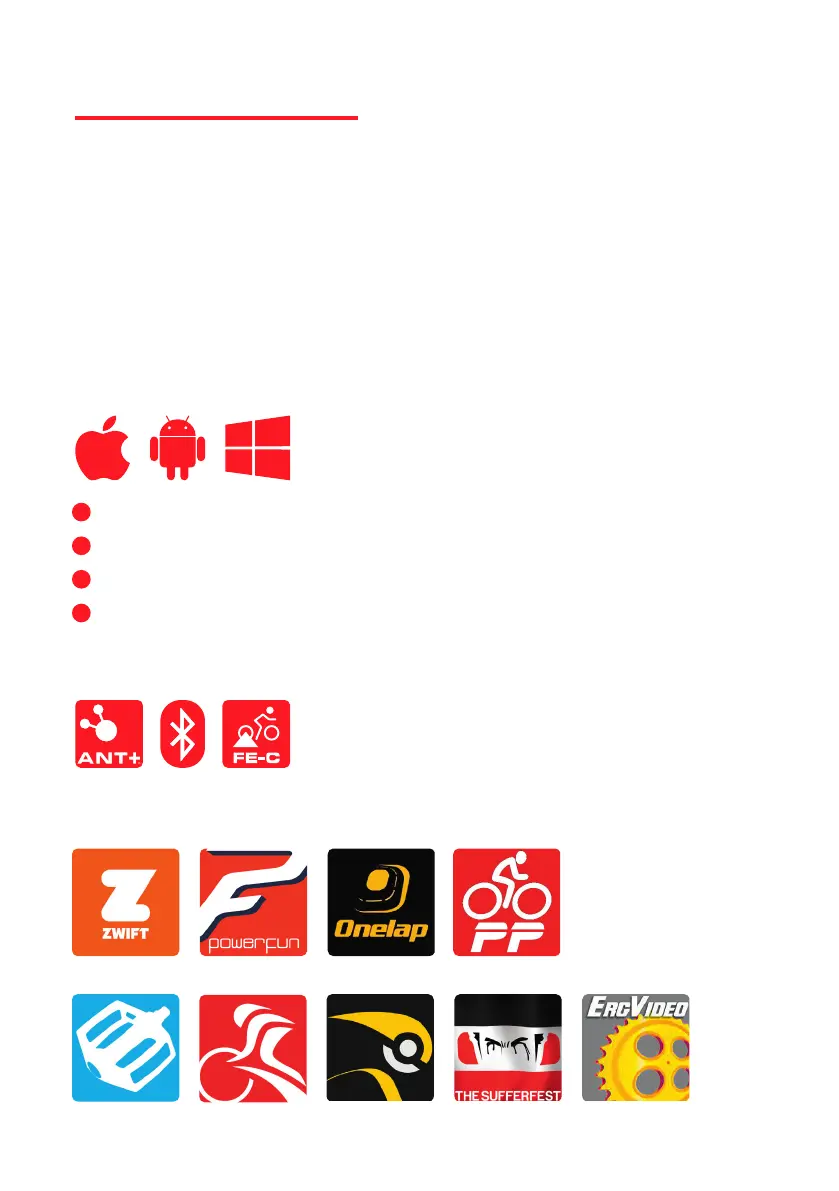
Comapitble Apps
Comapitble System
Comapitble Protocol
• Support iPhone systems above IOS8, and support Bluetooth
• Support Android systems above 4.3, and support Bluetooth
• MAC OS requires ANT+
• PC systems above Windows 7, requires ANT+
1
2
3
4
THINKRIDER SMART TRAINERS can provide the maximum range of compatibility and
connectivity, compatible with or connected to smartphones, tablets, laptops / PC´s or GPS
cycling computer, depends on the third party software which device you can use.
Peripedal TrainerRoad Rouvy Mobile Suerfest ERCVIDEO
Zwift PowerFun Onelap PerfPRO


 To Next Page