14
© Third Dimension Confidential Document D13-1604-OP-EN-3.3
V7.5
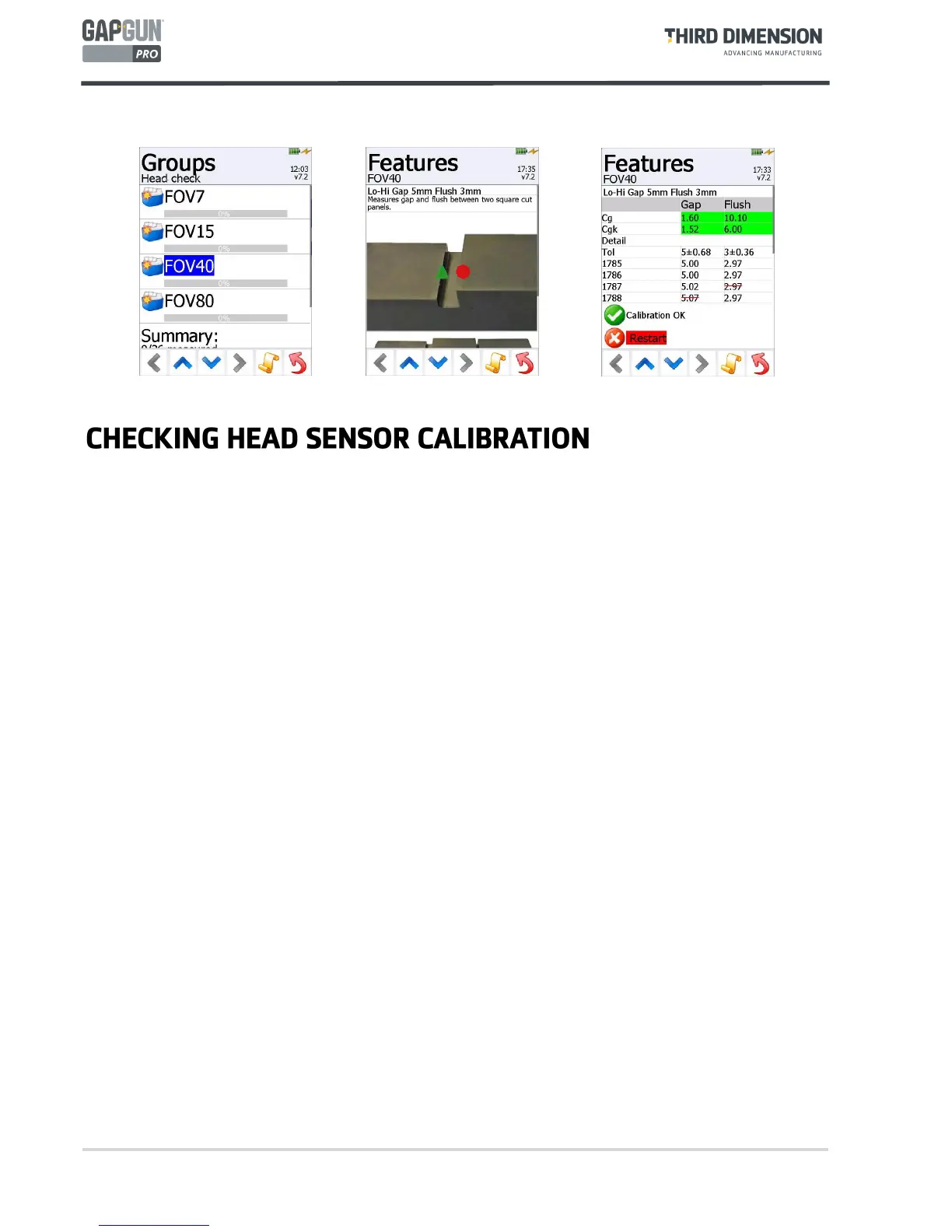
The calibration of the head can be checked by selecting the
Head Check
item at any time during measurement.
1. The Operator should then select the Group relevant to the head installed on the Gapgun.
2. Each of the features on the gauges should be tested using the up and down arrows.
3. Each measurement must be taken at least three times and the Cg and Cgk calculated. The check can be
restarted at any time by tapping Restart. Once enough successful measurements have been captured the result
is shown, in green if the calibration is okay and in red if it is out of calibration. The Operator should seek advice
on how to proceed from a Supervisor.



 To Next Page