5
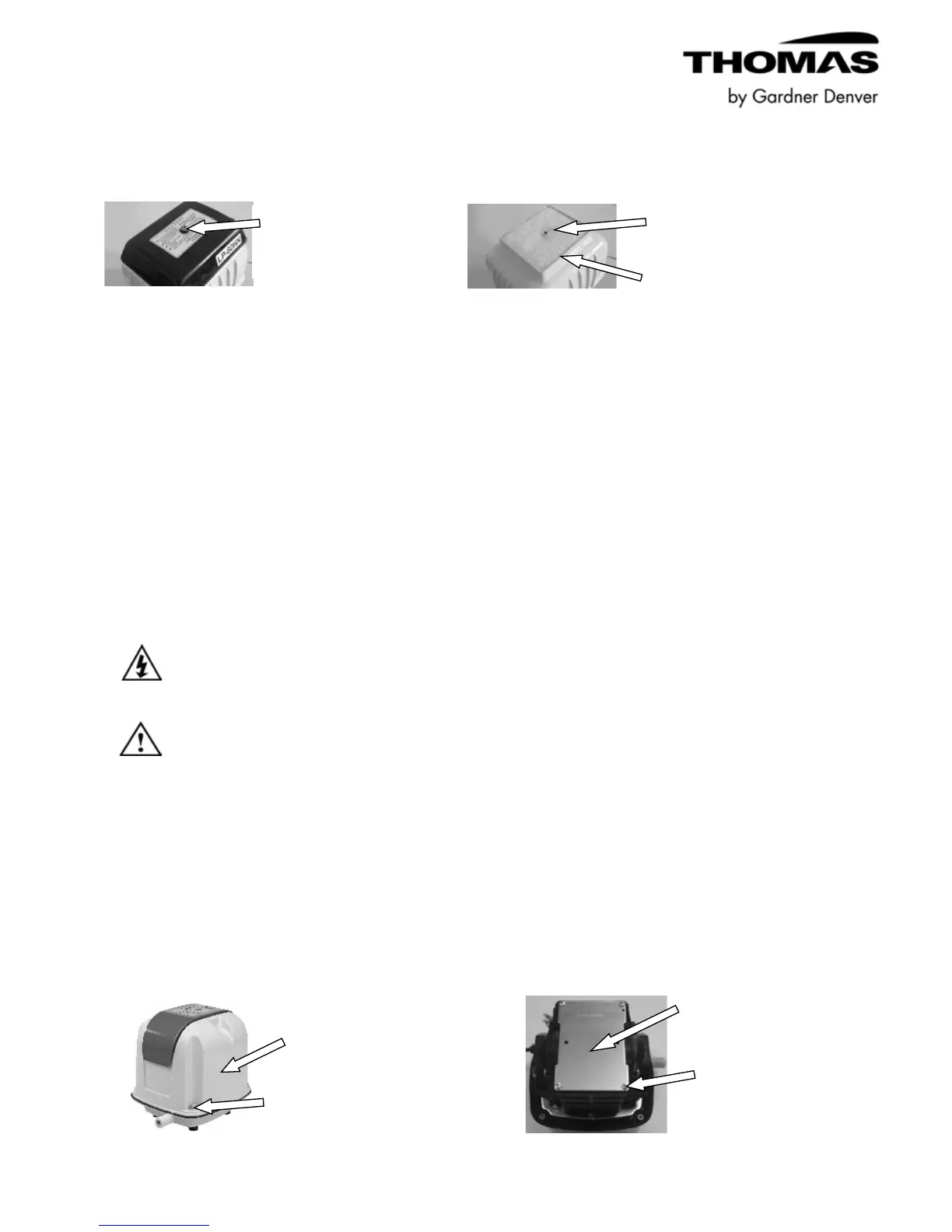
LP or LW Series Filter Element Replacement Instructions:
Disconnect power.
Remove screw and filter cover. Replace filter element, reassemble cover & screw.
YP Series Filter Element Replacement Instructions:
It is the responsibility of the end-user to integrate a suitable filtration method.
For replacement filter element part numbers, see pertinent series datasheet on gd-thomas.com.
Integrated Diaphragm Protection Switch
Information
Models AP-60N, AP-60/80, AP-80H, AP-100, AP-120, LP-150HN, LP-200HN, LW-240,
LW-300, LW-400 and YP-70VC are equipped with an integrated diaphragm protection
switch that activates or turns off the pump in case of a diaphragm failure or external
impact. This switch may be deactivated by performing the following instructions:
Make sure the main power cord is disconnected before
performing switch deactivation.
If the diaphragm is damaged, have the pump serviced by
trained service personnel. (Damage may be detected by
little or no air flow or higher than normal sound level.)
Applicable AP Series Diaphragm Switch Deactivation Instruction:
Disconnect power. Remove four cover plate
Remove four housing screws and housing. screws and cover plate.


 To Next Page