=
Dark
=
Dim
=
Bright
PREF.
=
Personal adjustments
- 9 -
ENGLISH
- 9 -
Pressing once turns the sound off.
The sound returns if the button is pressed once more.
Set the volume as desired.
Switch on the television set with the mains on/off switch if the indicator is off.
if it is on, select the desired programme:
For the programmes from 1 to 9:
Press briefly the corresponding number.
For the programmes from 10 to 59:
press and hold on the decimal (tens) number.
Press the (units) number.
When the set is in Stand-By mode, you can also switch it on using buttons
PR —/+ on the keyboard (if the television is not CHILD LOCKED).
Press briefly. The Stand-By light turns red.
Note: The television will automatically switch to Stand-By after a few minutes if there is no signal
on the channel being watched.
STAND-BY - AUTOMATIC SWITCH OFF
DAY TO DAY OPERATION
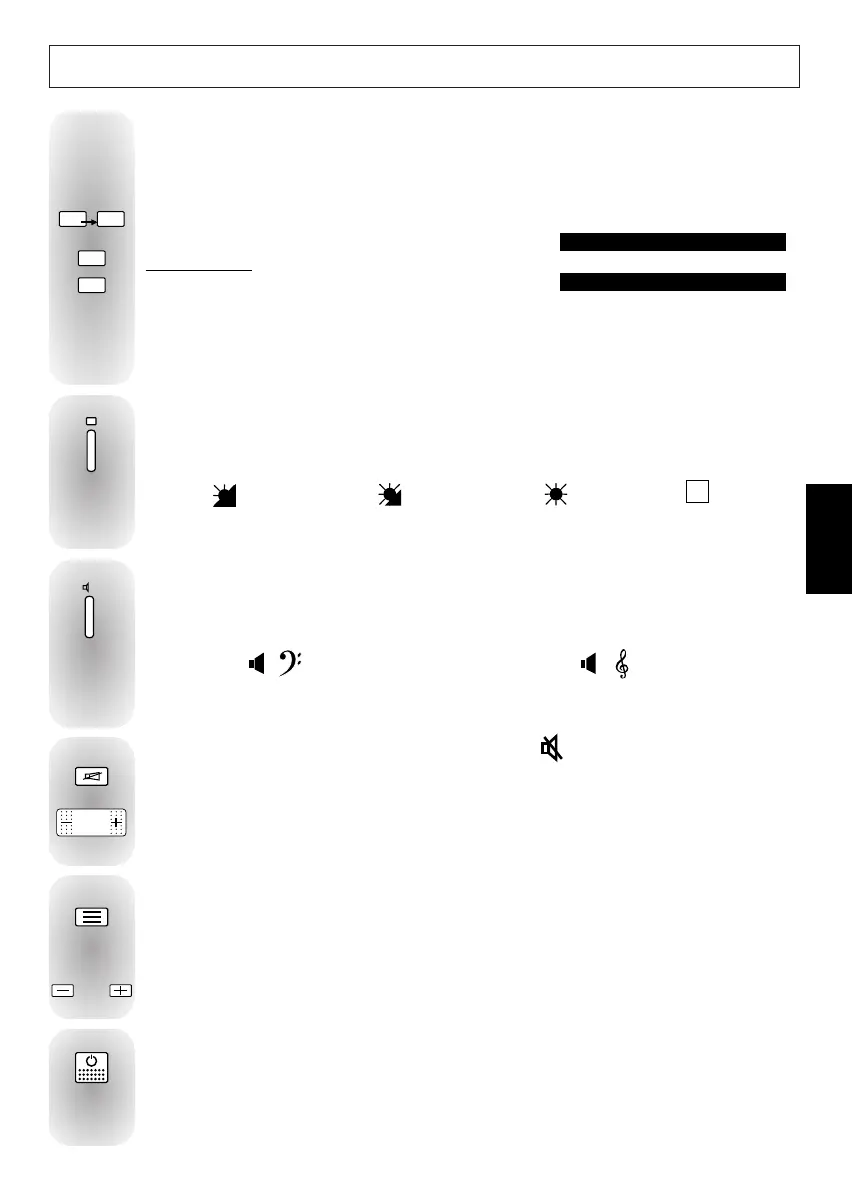
The television picture can be adapted to suit the current lighting conditions.
Press repeatedly to choose the setting you wish:
PICTURE ADJUSTMENTS
The television sound can be adapted to suit the sound of programme being watched.
Press repeatedly to choose the option you wish:
SOUND ADJUSTMENTS
SOUND MUTE - VOLUME ADJUSTMENT
= VOICE
=
Debates, news etc…
= MUSIC
=
Musical programmes
Displays the settings for the channel being watched: programme name and number - sound
- time - Stand-By timer - alarm setting.
Some details will only be displayed if they have been entered.
Press repeatedly to run through the programmes stored in memory.
DISPLAY - PROGRAMME UP-DOWN



 To Next Page