Factory Alignment Specification of normal SIACP
Page 8 of 19
“Factory Menu” Definition
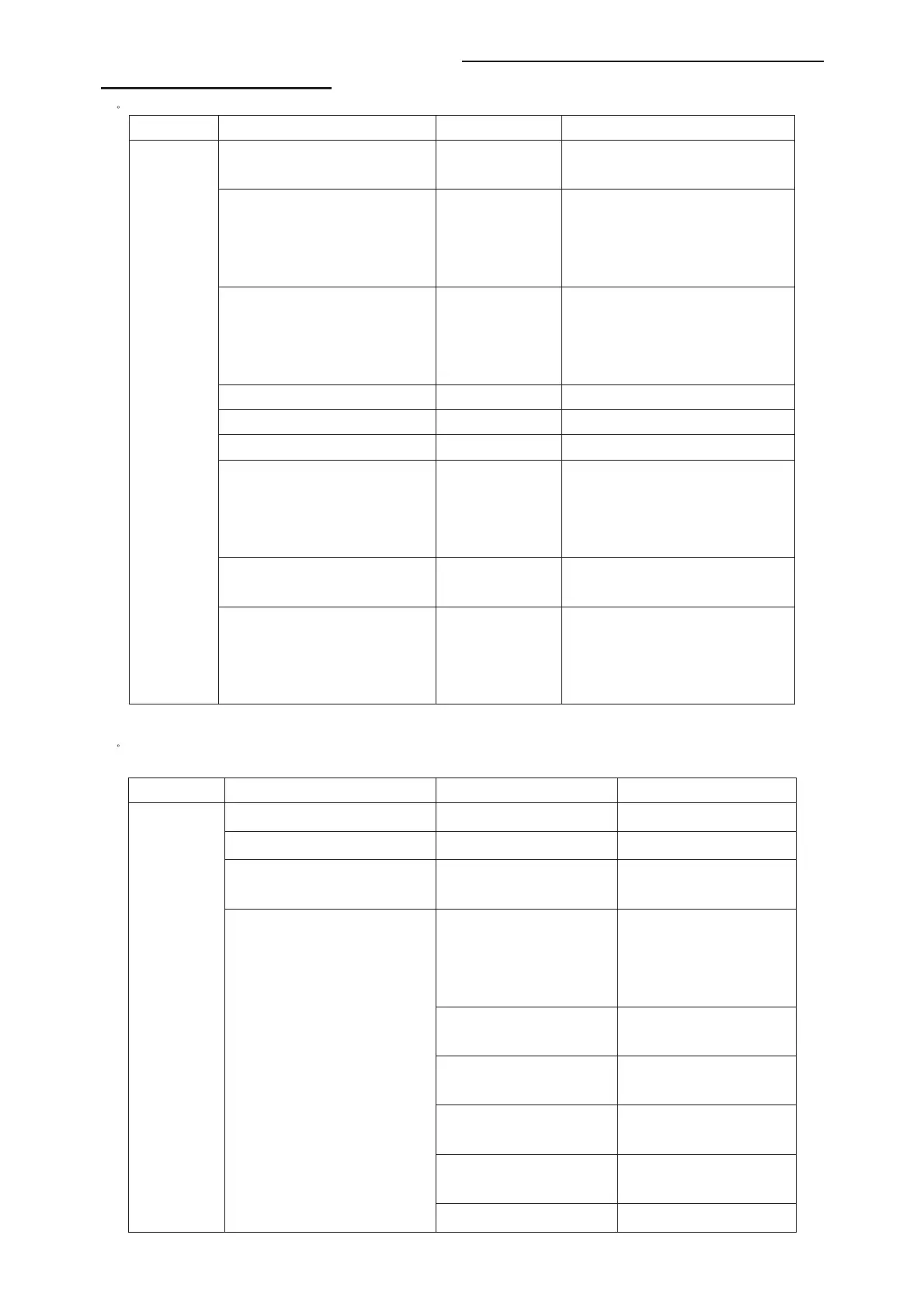
1)ˊ System
Item Sub-item Value
Note
Factory Key Off/On
OFFġhotkey is invalid
ON ġhotkey(blue key) is availability
Power Mode Boot/Standby/
Last Status
Boot: Enter power on mode
Standby: Enter standby mode
Last Status: power on according to last
status
Burning Mode Off/On
Select panel On with left/right key, Press
“EXIT” key to enter the burning mode;
Press “Menu” key on keyboard to exit the
burning mode
Pre-Frequency Poland Run
Press “OK” key to run
Pre-Frequency Huizhou Run
Press “OK” key to run
Pre-Frequency Thailand Run
Press “OK” key to run
Reset User
Clear date of NVM in user menu,except
the value of language / related
installation/Factory setting,then set to the
default value.
Reset All
clear NVM valuesˈand set to default
valueDŽ
System
Reset Shop
Clear date of NVM in user menu,include
the value related installation,and Clear
date of factory menu except the item of
Balance and sound ,set to default value
2)ˊFeature
Item Sub-item Value/Sub-item Note
FleshTone Off/On
Adaptive Luma Control Off/On
Light sensor Off/On
Some models have have no
this feature.
Auto/Low/Mid/High
(it should be “On/Off
“ in 26 inch and
smaller ones)
Set the backlight mode
Backlight Low
Set the backlight value of Low
mode
Backlight Mid
Set the backlight value of Mid
mode
Backlight High
Set the backlight value of High
(or Off) mode
ADP low control point
Set the low point in dynamic
backlight control curve
Feature
Adaptive Backlight
ADP mid control point
Set the mid point in dynamic



 To Next Page