Factory Alignment Specification of normal SIACP
Page 9 of 19
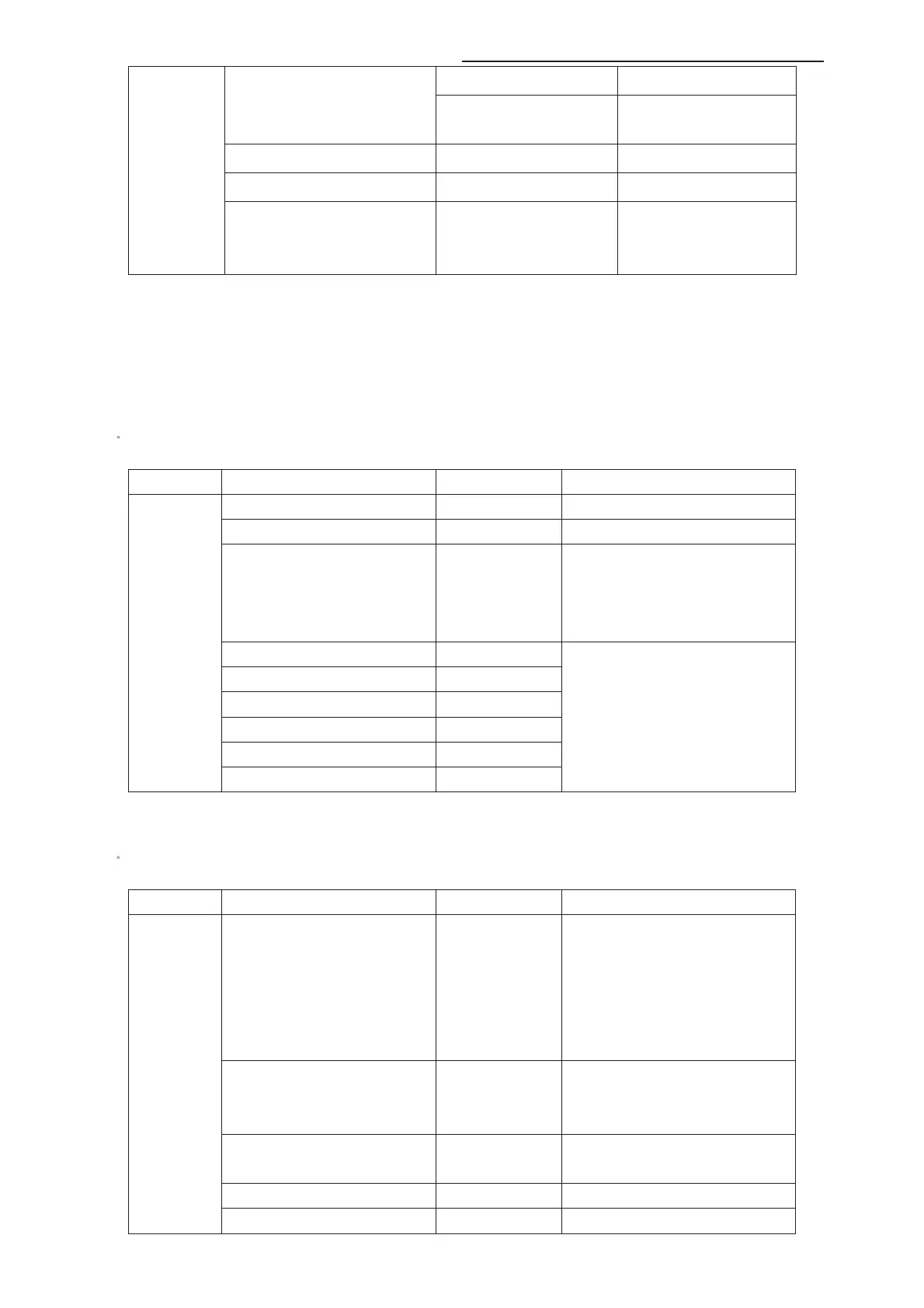
backlight control curve
ADP high control point
Set the high point in dynamic
backlight control curve
White Peak Limitator Off/On
TunerAGC
-44~127
Project ID ID
Select panel ID with left/right
key, restart the set to take
effect.
In MT62F and MT62S chassises:
There is no “Adaptive Backlight” item, “Auto/Low/Mid/High” “Backlight” “ADP low control
point” “ADP mid control point” “ADP high control point” are in the “feature” page. There is
only “Backlight” item instead of “Backlight Low” “Backlight Mid” “Backlight High”. It set the
backlight value of current backlight mode.
3)ˊ
ADC Calibration
Item Sub-item Value
Note
Source HDMI,etc
VGA\CMP\scart RGB require Calibration
Auto color Run
Press “OK” key to run
Status NONE
/ NOK
/ OK
/ ALL
NONE:No source has been calibrated
NOK:Current source hasn#t been calibrated
OK: Current source has been calibrated
ALL:All sources have been calibrated
R Gain
G Gain
B Gain
R Offset
G Offset
ADC
Calibration
B Offset
For fine tune ADC manually.
4)ˊ WD Alignment
Item Sub-item Value
Note
Pic. Enhance ON/OFF
Press “Right” key to switch off all of the
items in the feature submenu. This should
be done before white balance alignment.
If it#s off, the way to switch it on is to reset
user/shop or set on the features in
Feature sub-item manually.
Source HDMI,etc
For balance source˖
HDMI,VGA,DTV,PAL,SECAM,NTSC,Scar
t RGB,CPM, HDMI
Color Temperature Normal
/Warm/Cool
The value of Warm and cool is the offset
of Normal mode.
R Gain
R White balance
WD
Alignment
G Gain
G White balance



 To Next Page