EasyManua.ls Logo

THOMSON GE 21870 - User Manual

THOMSON GE 21870
14 pages
Print Icon
To Next Page IconTo Next Page
Loading...
21870
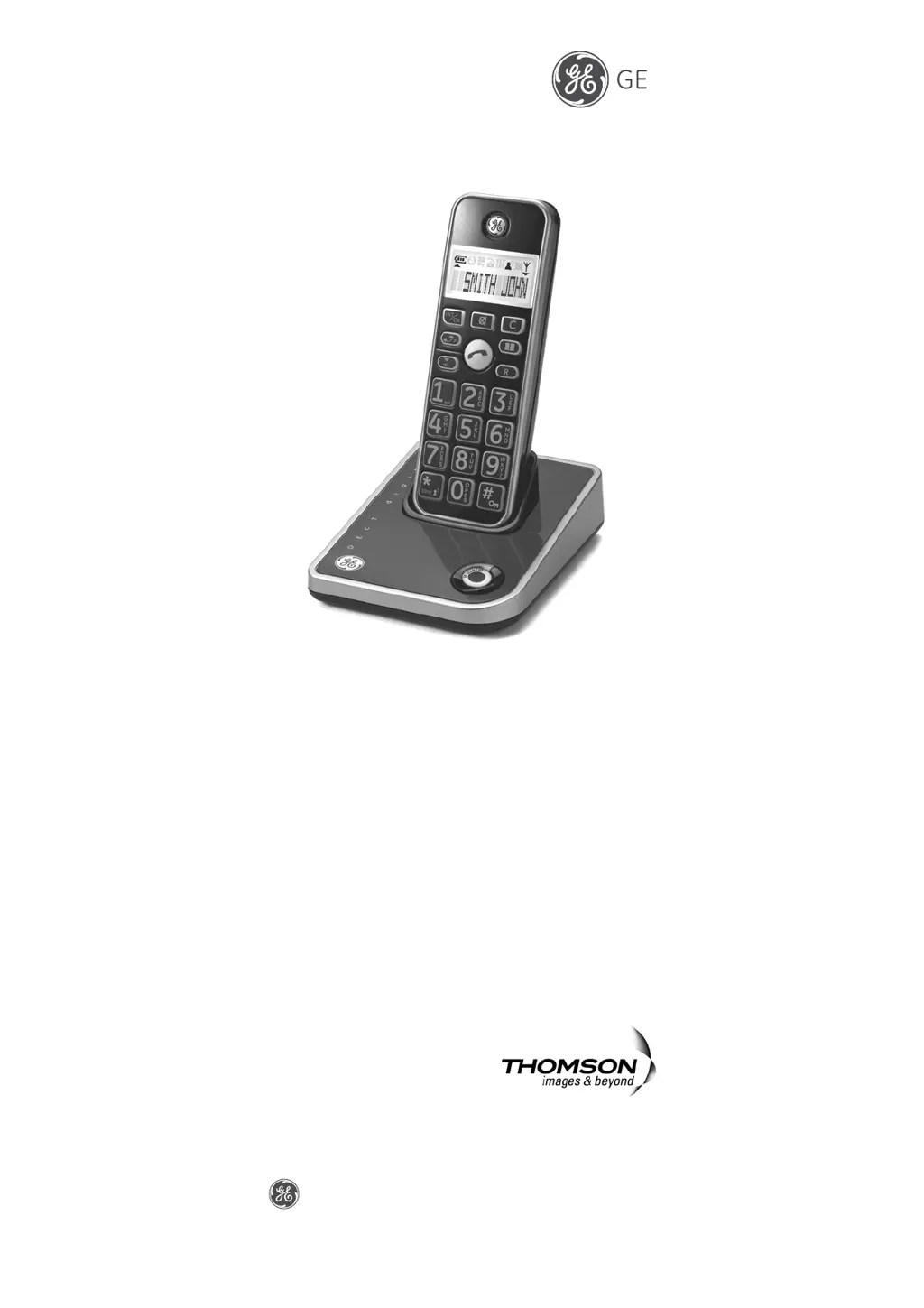
Digital Cordless Telephone
With Dual Mode Caller ID
User’s Guide
is a trademark of General Electric company and is under license by
Thomson Telecom, France.
Model: CE21870GEX-A
0007289 (Rev. 0 E)
06-38
Printed in China
Thomson Telecom
46, Quai Alphonse le Gallo,
92648 Boulogne Cedex, France

Questions and Answers

  • L
    lewisvictoriaAug 5, 2025
    What to do if my THOMSON GE 21870 doesn't react to keystrokes and the radio connection is blinking?
    • M
      Margaret HermanAug 5, 2025
      If your THOMSON Telephone is unresponsive and the radio connection is blinking, it could be due to several reasons. First, check if the keypad is locked by pressing the # key for more than 2 seconds. If that doesn't work, you might be out of the base station range, so move closer. Another possibility is that the handset isn't registered; in this case, you should register the handset. Finally, the base station itself might not be working. Try unplugging the power adapter from both the power outlet (220-230V AC / 50 Hz) and the base station, then plugging it back in.
  • A
    April Smith DVMAug 13, 2025
    Why is the registration not working on my THOMSON GE 21870 Telephone?
    • K
      Kathryn NashAug 13, 2025
      If the registration isn't working on your THOMSON Telephone, it could be due to a couple of reasons. One possibility is that the battery isn't sufficiently charged. To resolve this, charge the battery for 14 hours and unplug and then plug in the power adapter. Another reason might be that the handset and base station were not prepared for registration, so ensure that you charge the battery for 14 hours and unplug and then plug in the power adapter.
  • R
    Regina FreemanAug 25, 2025
    What to do if there is no display on my THOMSON GE 21870?
    • A
      Amy FritzAug 26, 2025
      If there is no display on your THOMSON Telephone, it's likely that the battery hasn't been charged. You should charge or replace the battery.

Summary

Precautions of Use

Safety

Battery Safety Precautions

Installation

Connecting the Base Station and Power Plug

Explains how to connect the base station and power plug for initial setup.

Getting Started

Install and Charge the Battery Pack

Steps for inserting batteries and charging the handset for the first time.

Using the Handset Telephone

Making Internal Calls

Instructions for establishing calls between registered handsets.

Taking Calls

Dialing from the Phone Book

Call Log Operations

Holding Calls; Forwarding Calls

Intercom Call Transfer

Phone Book

Handset Settings

Activating;Deactivating Automatic Call Answering

Default Settings

Registering Additional Handsets

Base Station Settings (using the Handset)

Changing the Dialing Mode

Changing the PIN

Deregister HS

Troubleshooting Guide

THOMSON GE 21870 Specifications

General IconGeneral
BrandTHOMSON
ModelGE 21870
CategoryTelephone
LanguageEnglish

Related product manuals