- EN 5 -
Subwoofer panel
Note: Please switch on the Soundbar before turning on the Subwoofer.
Status indicator:
Red LED indicates device is in standby and green LED indicates device is on.
Power
CAUTION
• Risk of product damage! Make sure that the mains voltage corresponds to the voltage printed
on the back label.
• Risk of electric shock! When unplugging the AC power cord, always pull the plug from the
socket. Never pull the cord.
• Before connecting the AC power cord, ensure you have connected all other cables.
When using the AC power supply…
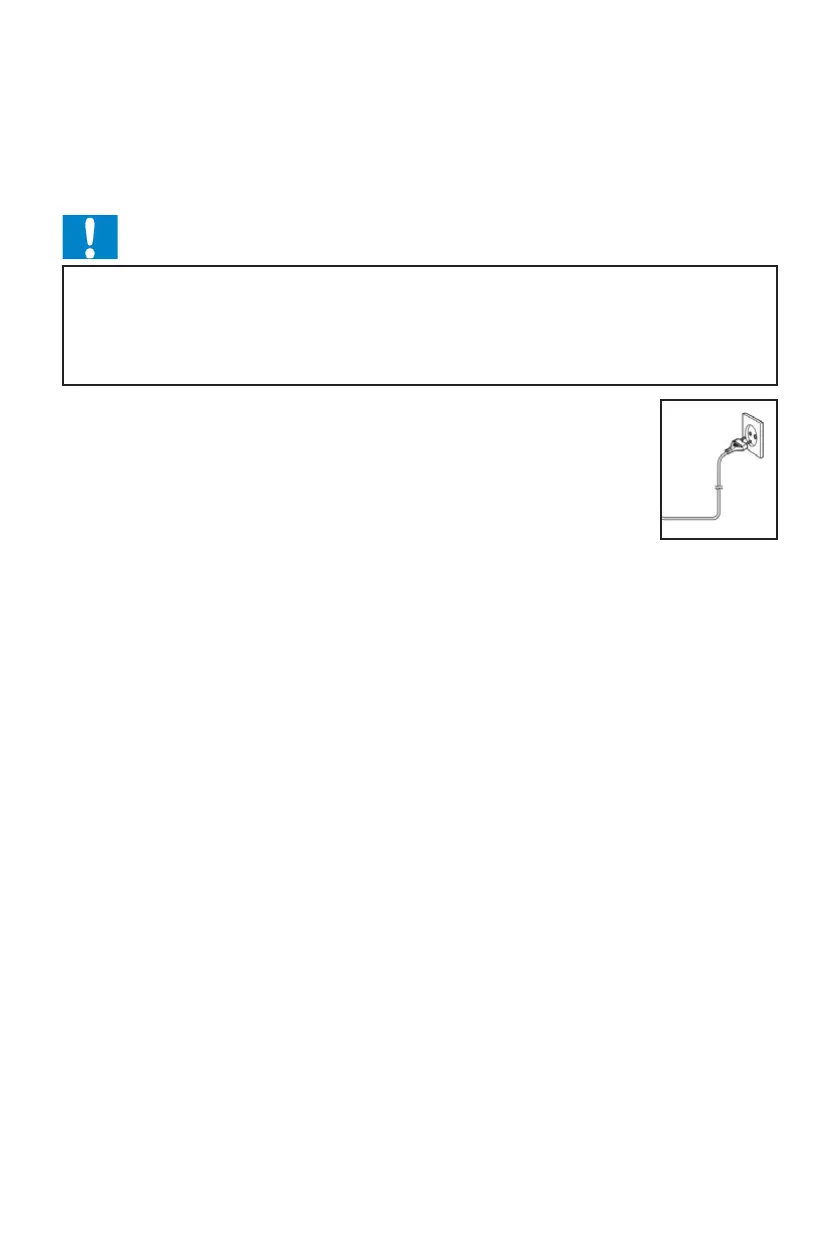
Place the unit in the desired position and unravel the mains cable. Insert the plug
into the mains socket and switch on (if necessary).
Auto standby
When playing media from a connected device, the product automatically switches
to standby if:
•
•
No audio is transmitted from a connected device for 10 minutes.


 To Next Page