17
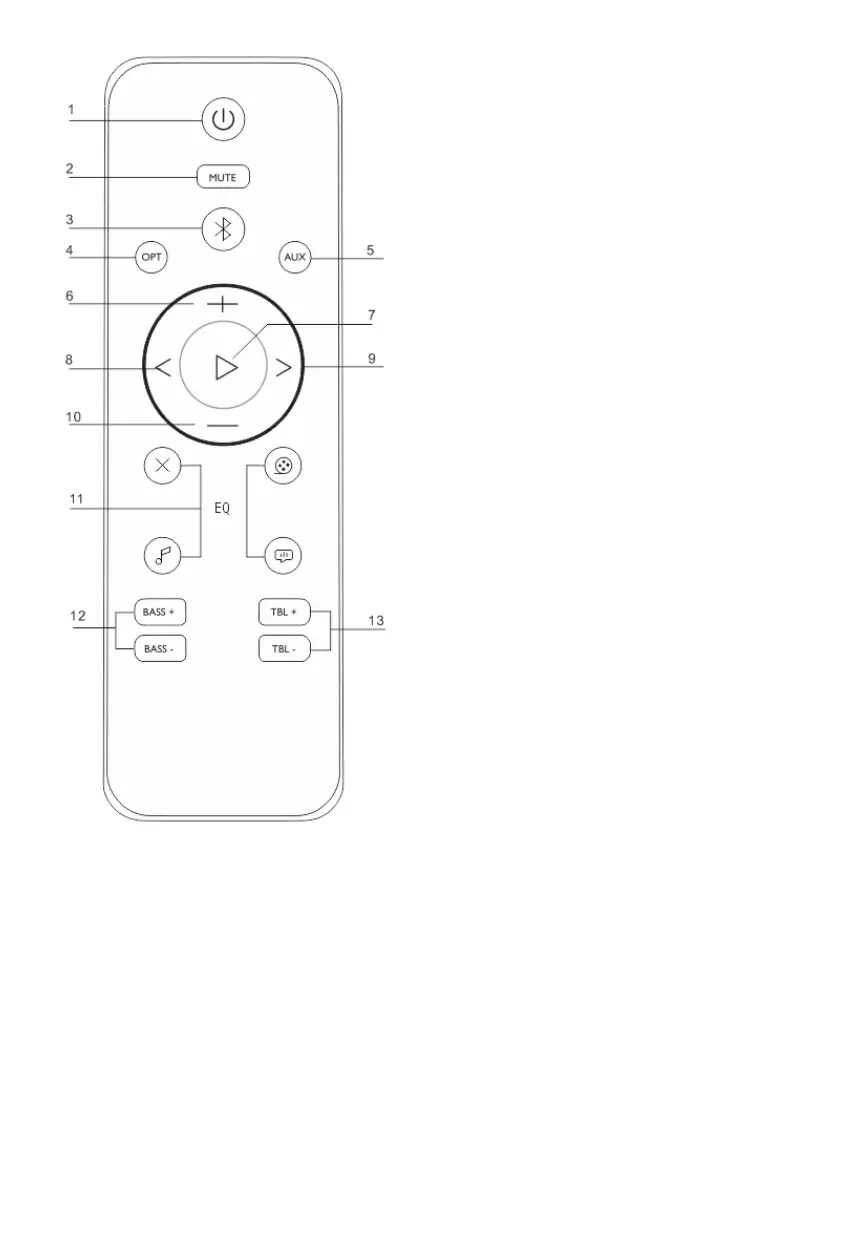
Remote Control
1. Power on/off
2. Device mute
3. Bluetooth mode
4. Optical mode
5. Aux mode
6. Volume +
7. Play / pause
8. Backward
9. Forward
10. Volume -
11. EQ Mode
Flat-movie-music-voice
12. Bass + / -
13. Treble + / -
Power
Place the unit in the desired position
and unravel the mains cable. Insert
the AC adapter into the supply
socket and switch on if applicable.
Auto standby
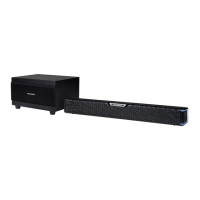
When playing media from a
connected device, the soundbar
automatically switches to standby if:
No button is pressed for 10 minutes,
No audio from a connected device
for 10 minutes.


 To Next Page