Chapter 2
Basic Installation
9
E-DOC-CTC-20051017-0068 v1.0
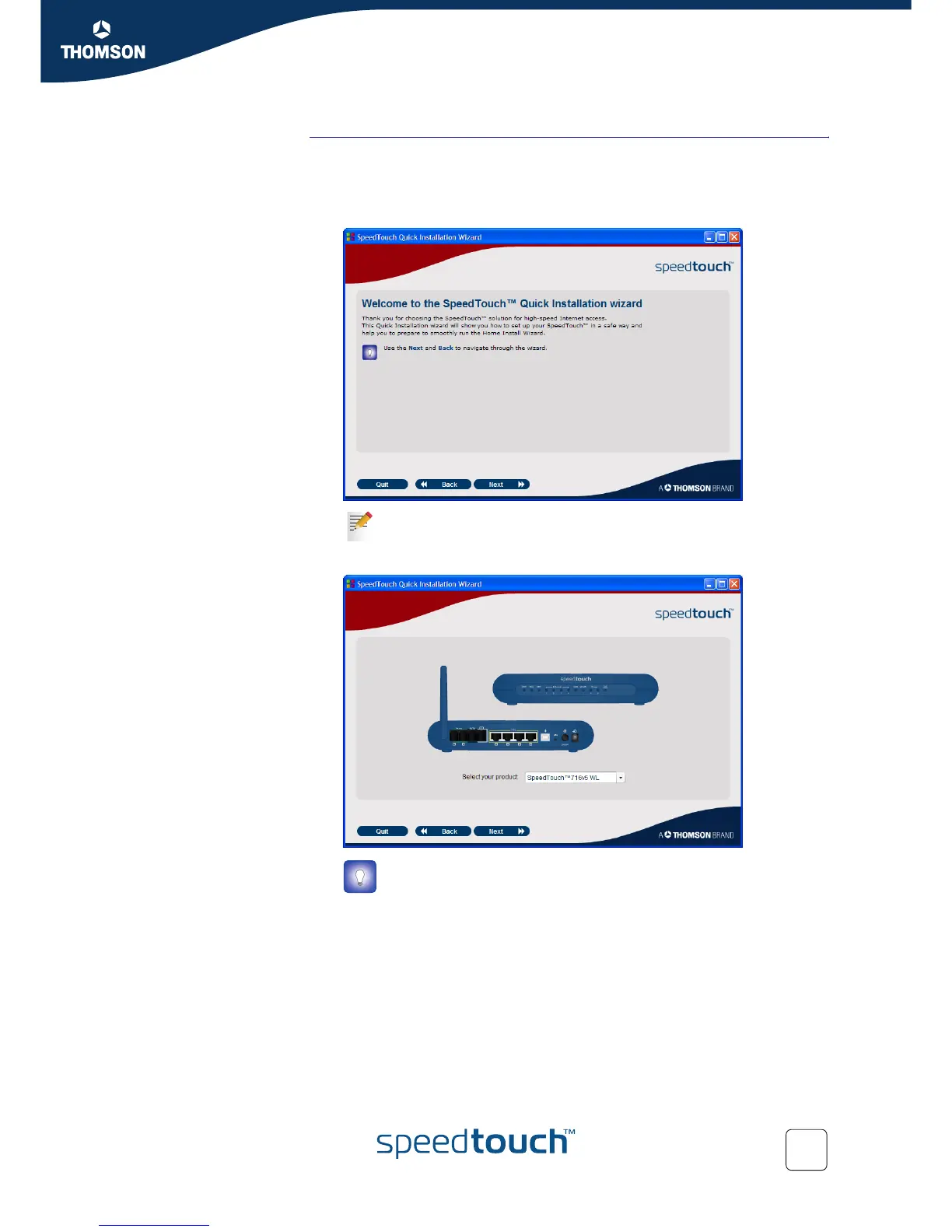
Quick-Install Wizard The SpeedTouch™ Quick-Install Wizard guides you through the first setup of your
SpeedTouch™.
Proceed as follows:
1 On the Welcome page, click Next to continue.
2 Select your SpeedTouch™ from the list of supported devices and click Next.
The SpeedTouch™ Safety Instructions and Regulatory Notices are displayed.
If you ran the CD on this computer before, the Quick-Install Wizard is
not shown; the CD menu appears instead.
A product picture helps you to easily identify your SpeedTouch™. If
you are not sure what device you have, check the label on the bottom
of your SpeedTouch™.














 To Next Page