Chapter 2
Basic Installation
14
E-DOC-CTC-20051017-0068 v1.0
Configuring the
SpeedTouch™ (and your
computer)
Proceed as follows:
1 Depending on the selected service profile and your ISP’s requirements, you
may have to fill in some additional settings during the Home Install Wizard,
like Dynamic DNS Service, Time Configuration or other.
Enter the information provided by your ISP and click Next whenever
requested.
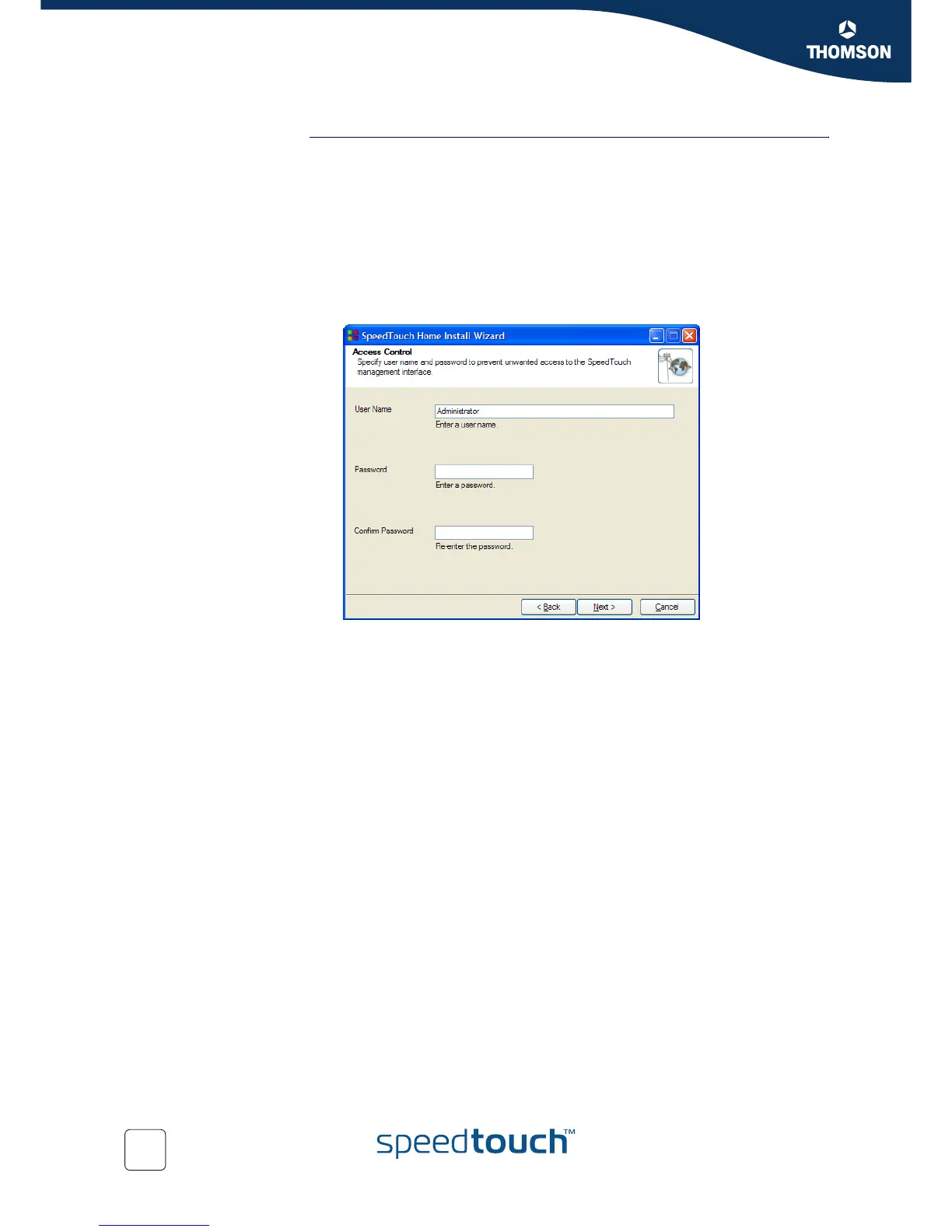
2 Provide a user name and password to protect your SpeedTouch™ from
unauthorised access. Each time a user wants to access a SpeedTouch™
management interface, the user will be prompted to provide this user name
and password before access is granted.
Click Next to continue.
3 The procedure continues with the final steps of configuring your
SpeedTouch™ and your computer.
Proceed with “ Finishing the Home Install Wizard” on page 15.














 To Next Page