从 PS4™ 系统取消注册 BT LED DISPLAY
(仅当进行故障检修或购买新的 BT LED DISPLAY 时才需要此操作。)
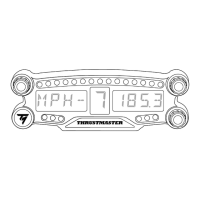
1.通过按 ON/OFF(开/关)按钮 (4) 关闭 BT LED DISPLAY
。
2.在 PS4™ 系统的菜单中,选择
[ Settings ](设置)> [ Devices ](设备)>
[ Bluetooth Devices ]
(蓝牙设备)。
选择 TM BT LED DISPLAY,然后按 s 按钮进行确认。
3.此时,屏幕上将显示消息 Device Name TM BT LED DISPLAY
(设备名称 TM BT LED
仪表盘)。按控制器上的 OPTIONS(选项)按钮,然后选择 Forget Device(忽略
设备)。按 s 按钮进行确认。


 To Next Page