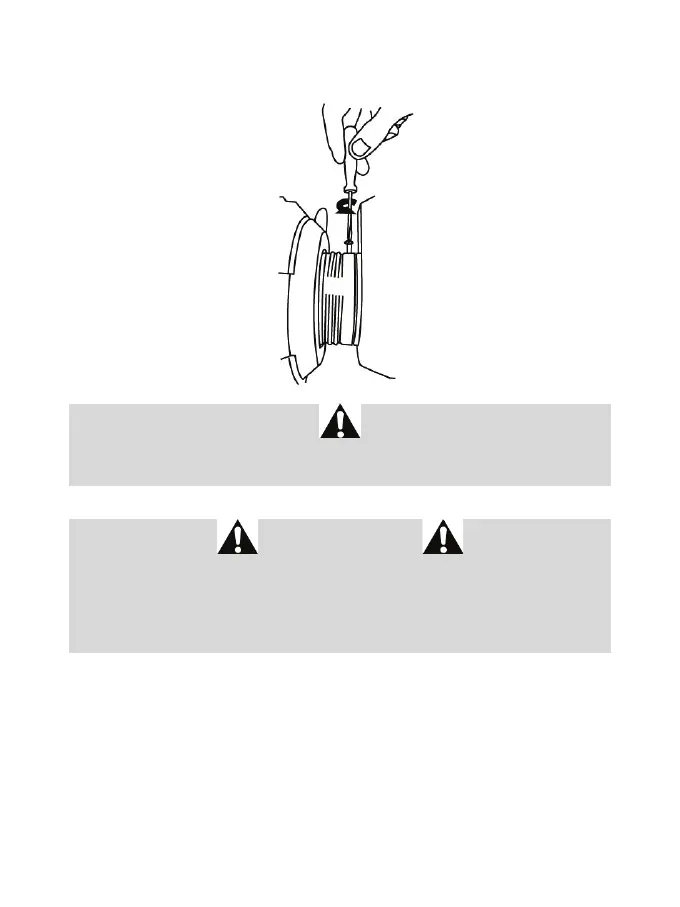
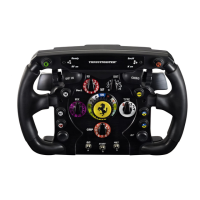
Once you have installed the wheel, rotate it 180° (when facing the wheel, the Ferrari® logo should be
upside down) to access the small attachment screw located on the ring of the Thrustmaster Quick
Release device. Use a large Phillips screwdriver to tighten the small attachment screw (do not use
excessive force), turning it clockwise.
Do not use excessive force when tightening the small attachment screw
(using a Phillips screwdriver)!
Stop turning the screw as soon as you feel some resistance.
IMPORTANT INFORMATION!
To ensure that your Ferrari F1 Wheel Add-On wheel functions correctly with your racing wheel's base (in
particular with the TX, T300 and T500 bases), it is imperative that you update your base's firmware with the
latest version available at https://support.thrustmaster.com (click on Racing Wheels / [your base's name] /
Firmware, then follow the instructions and the download and installation procedure).
If you don't update the firmware, the D-pad, the buttons and the paddle shifters of your wheel will not
function correctly.








 To Next Page