Update: February 2024
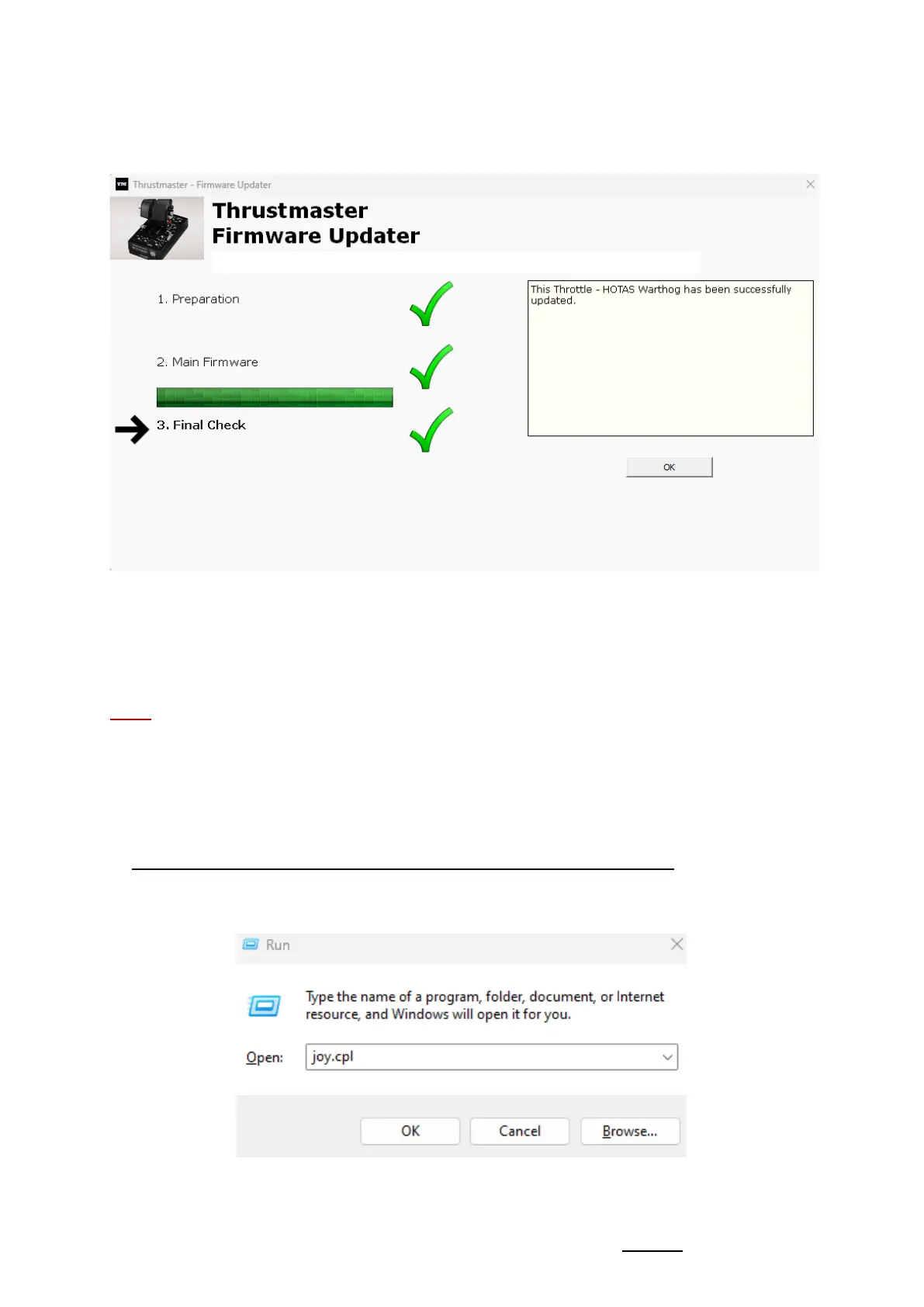
The firmware updating app will then let you know whether the procedure has been
successful.
The HOTAS Warthog Dual Throttles LEDs light up again.
Click OK then close the Firmware updater.
Note: In the event that this procedure fails, repeat the entire procedure from the
beginning — but this time connecting the USB connector to another USB port
on your computer (or perform the procedure on a different computer).
If the problem persists, please contact our technical support team: they will
provide you with other solutions.
8) Test your HOTAS Warthog Dual Throttles in the Control Panel
On your keyboard, simultaneously press the Windows and R keys.
- The Run window opens: type joy.cpl and then click OK









 To Next Page