Attaching the pedal set to a cockpit
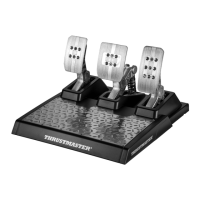
1. Attach the pedal set using the small screw threads located on its underside.
2. Drive two M6 screws (not included) through the cockpit shelf, then feed them into the two small
screw threads located on the underside of the pedal set.
Important: The length of the two M6 screws must not exceed the thickness of the shelf + 10 mm;
longer screws could cause damage to internal components located in the pedal set.
Layout diagrams for cockpits (for positioning the racing wheel’s base and/or the pedal set) are
available at http://ts.thrustmaster.com: in the Updates and Downloads section, click PlayStation
/
Wheels / T150 Force Feedback, then select Manual/Help file.
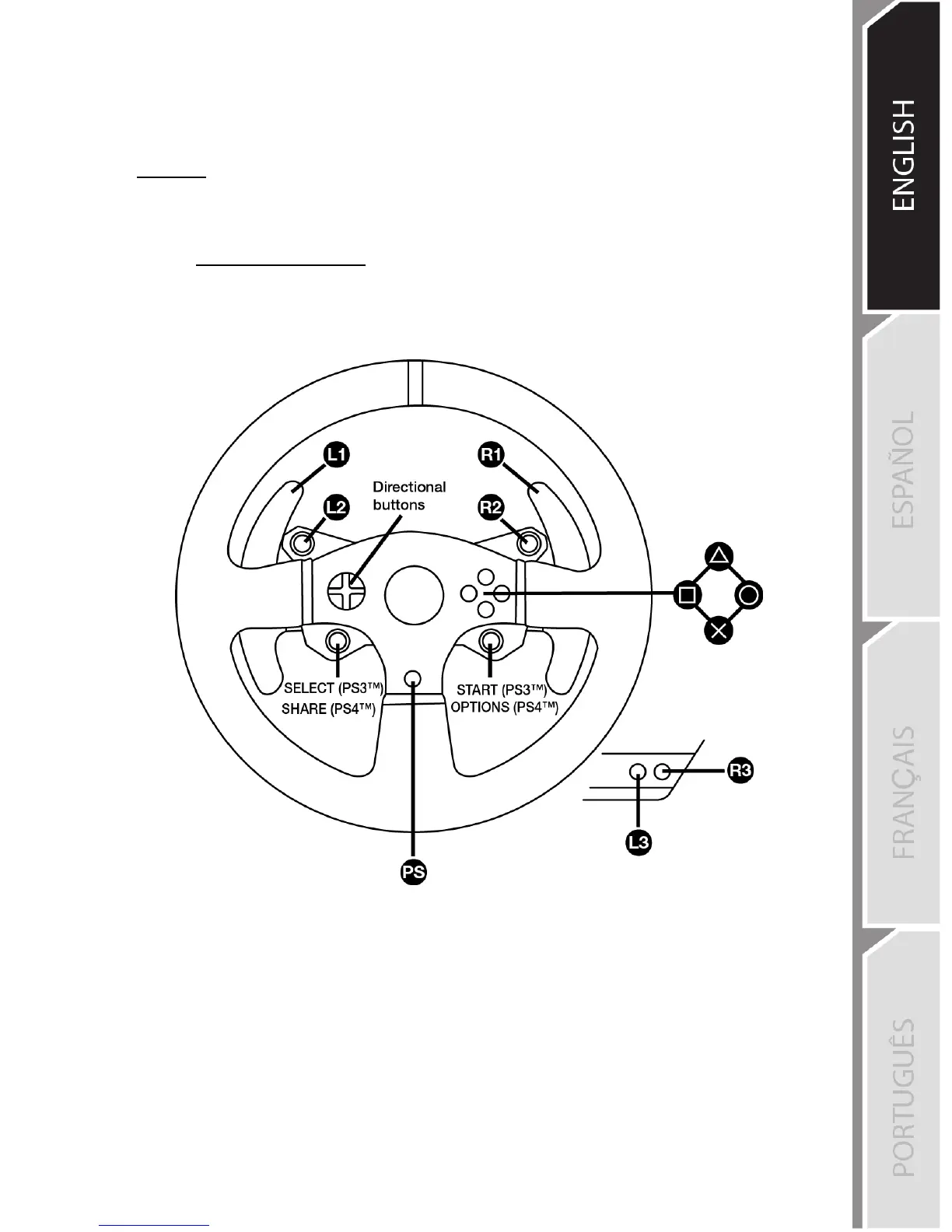
PLAYSTATION®3 AND PLAYSTATION®4 MAPPING










 To Next Page