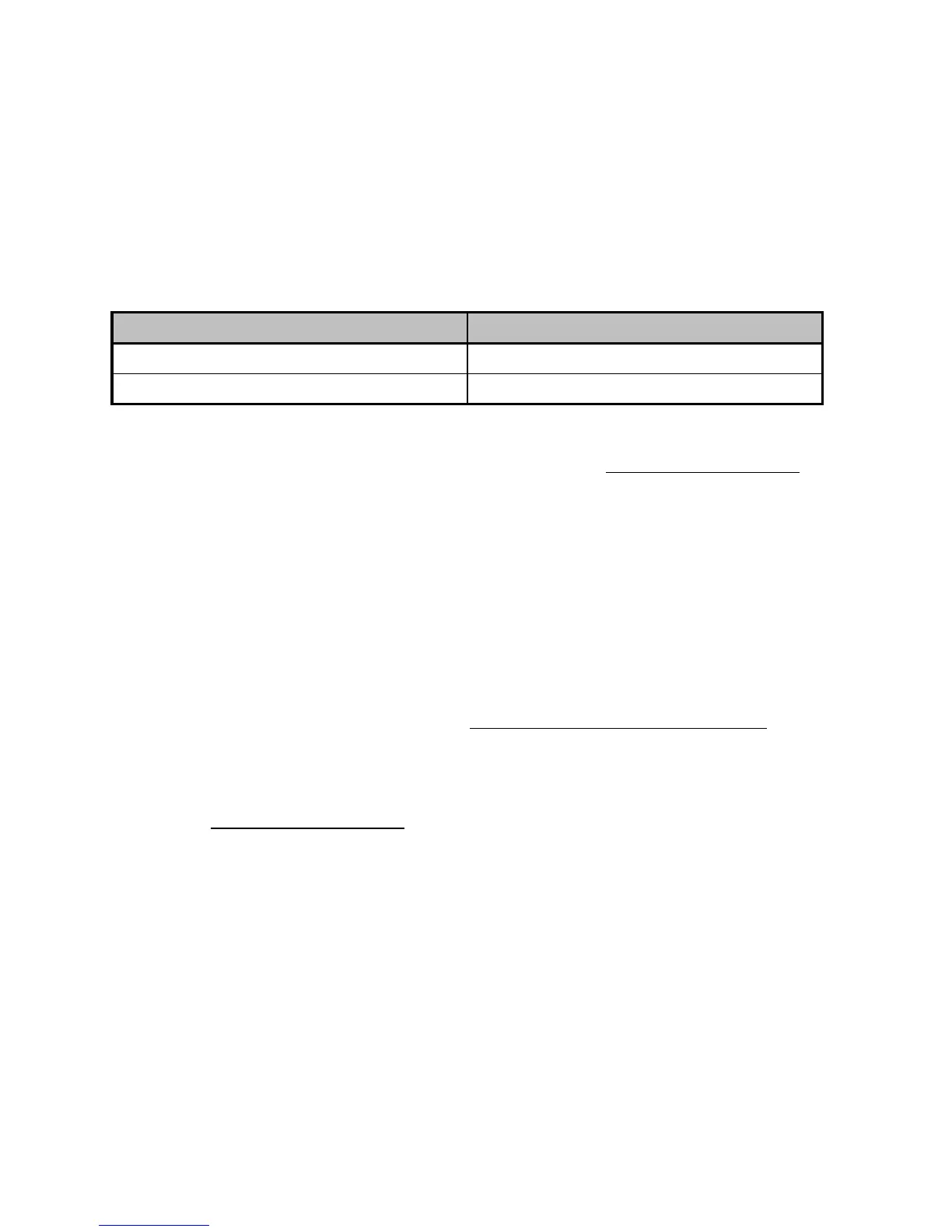
MODE BUTTON AND INDICATOR LIGHT (6)
MODE button for the pedal set
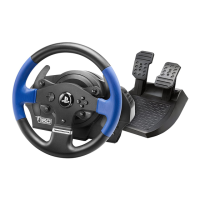
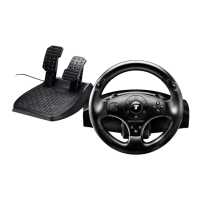
The pedal set included with the T150 Force Feedback features 2 pedals.
When using this pedal set, make sure that the indicator light remains red, or else the gas pedal will not
function properly.
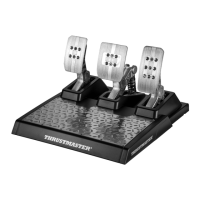
The T150 Force Feedback is also compatible with Thrustmaster pedal sets featuring 3 pedals (sold
separately); these allow you to electronically swap the accelerator and clutch pedals.
To do so, simply press the MODE button (6) for 2 seconds.
The racing wheel’s internal memory stores whether the pedals have been swapped around or not.
Other hints regarding the MODE button
To learn more about the MODE button and indicator light, please visit http://ts.thrustmaster.com. In
the Updates and Downloads section, click PlayStation / Wheels / T150 Force Feedback, then
select Manual/Help file.
COMPATIBILITY WITH THE THRUSTMASTER PRODUCT ECOSYSTEM
The base of the T150 Force Feedback is compatible with:
• The following Thrustmaster pedal sets: T3PA*, T3PA-PRO* (Thrustmaster 3 Pedals Add-on) and
the pedal set of the T500RS racing wheel.
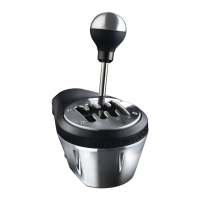
• The following Thrustmaster shifters (gearboxes): TH8A* and TH8RS*.
* Sold separately (for more information, please visit http://www.thrustmaster.com/products/t150).
HELP FILES AND FAQS (NOT INCLUDED IN THIS MANUAL)
Please visit http://ts.thrustmaster.com, and in the Updates and Downloads section, click
PlayStation / Wheels / T150 Force Feedback, then select Manual/Help file.








 To Next Page