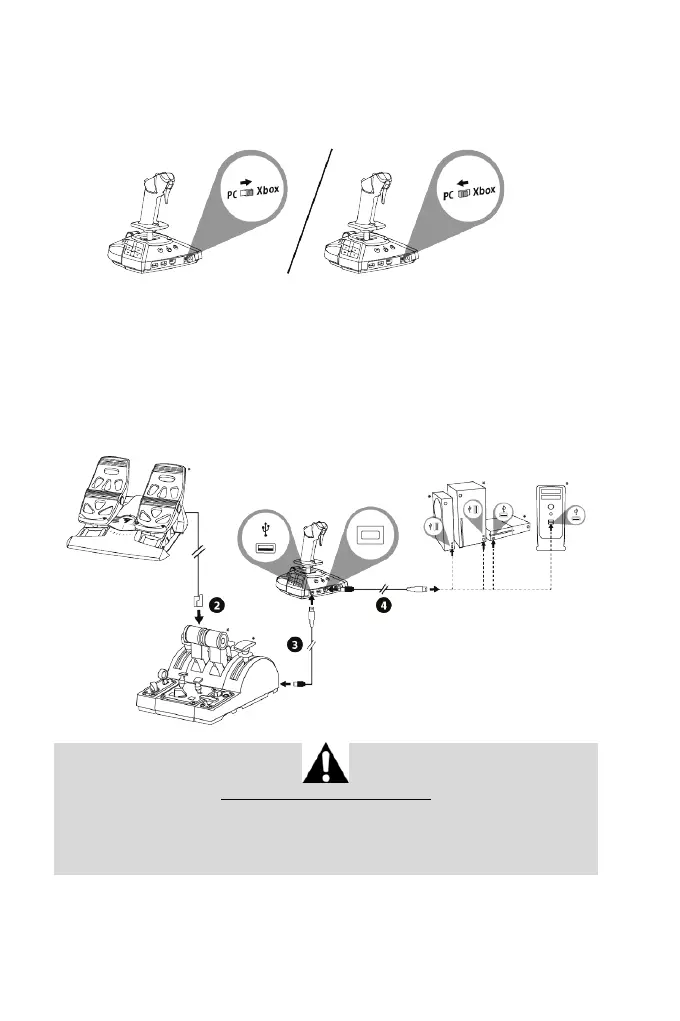
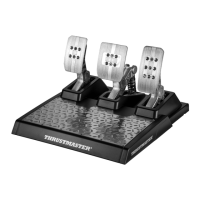
The TFRP* rudder system connects to the throttle system when you are using TCA
Quadrant Airbus Edition*.
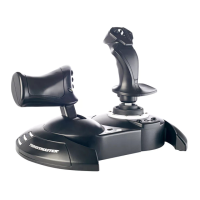
1. Set the selector switch (14) located at the back of the joystick to the Xbox or PC
position.
2. Connect the rudder system’s RJ12 connector to the RJ12 port located at the back of
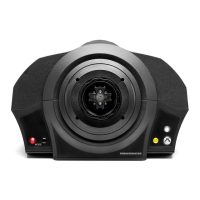
the TCA Quadrant Airbus Edition throttle system*.
3. Connect a USB-C — USB-A cable (8) to the Type-C USB port on the throttle system,
and to a Type-A USB port (17) located at the back of the joystick.
4. Connect a second USB-C — USB-A cable (8) to the Type-C USB port (16) on the
joystick, and to a Type-A USB port on the console or PC.
Automatic calibration of the axes:
- When connecting the rudder system to the joystick or the throttle system, always leave the
rudder’s axis centered. Do not put your feet on the rudder.
- The pedals’ three axes calibrate automatically after a few movements, and once the
physical stops for the rudder axis and the two differential brake axes have been reached.
*sold separately








 To Next Page