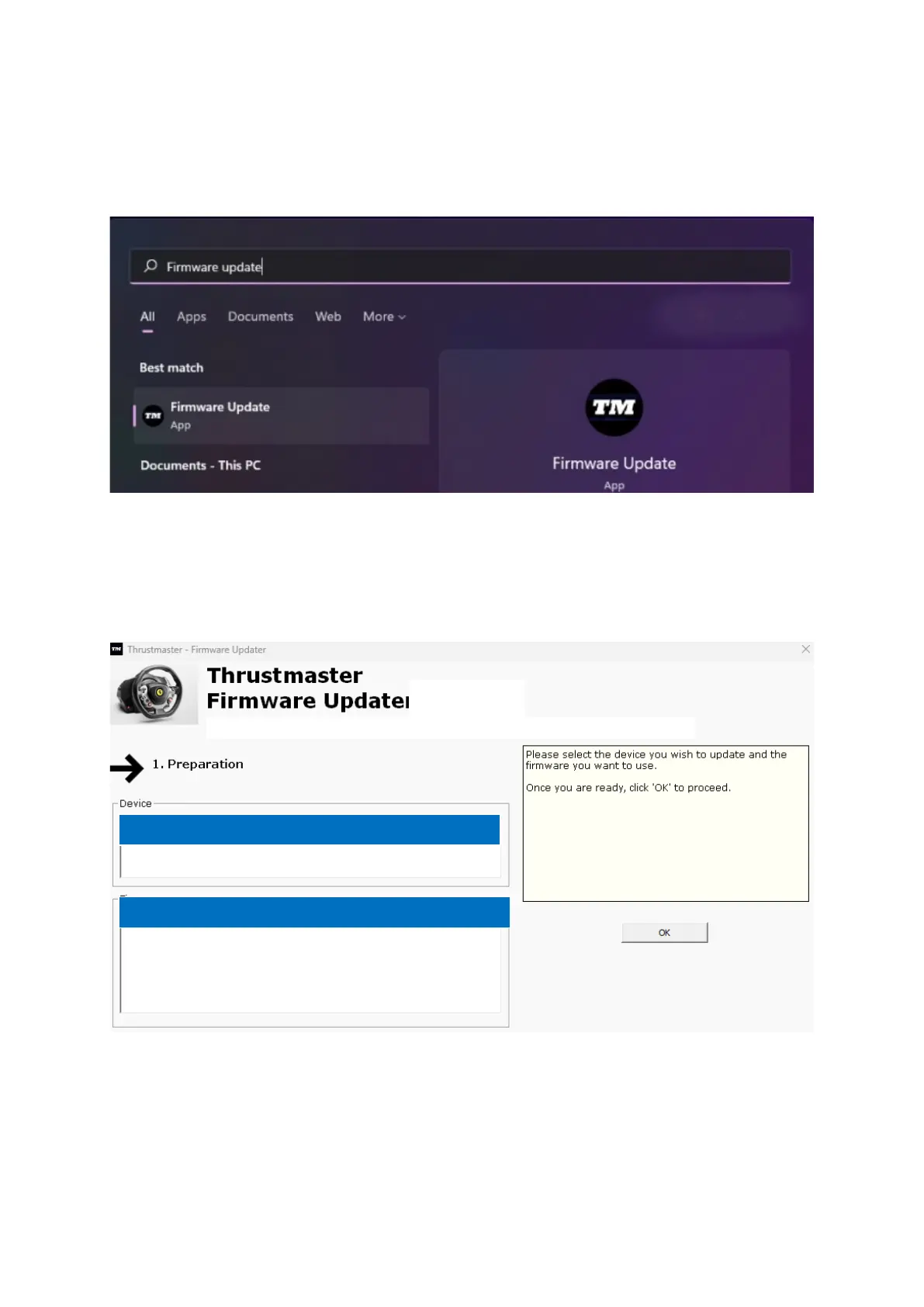
5) Open the firmware updater
Click inside the Windows search field with the magnifying glass icon, located on your
PC’s taskbar. Type Firmware Update and then click to open the application.
6) The Thrustmaster – Firmware Updater window appears onscreen.
- Device indicates the current firmware version in the device.
- Firmware indicates the firmware version that will be applied to the device.
Click OK to carry out the firmware update.














 To Next Page