EasyManua.ls Logo

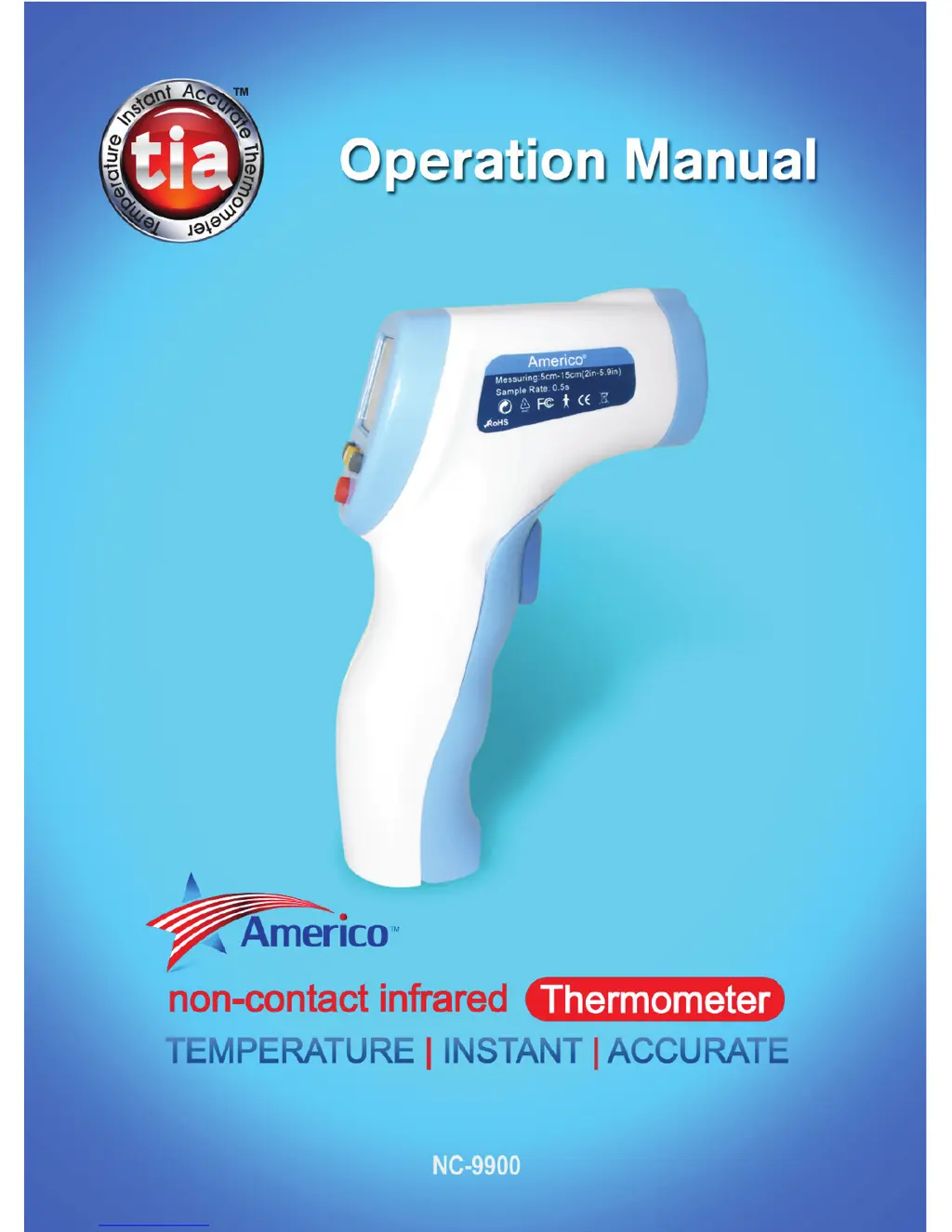
TIA NC-9900 - User Manual

TIA NC-9900
16 pages
Print Icon
To Next Page IconTo Next Page
Loading...

Questions and Answers

  • J
    Juan HernandezAug 1, 2025
    What to do if TIA Thermometer shows 'LO'?
    • A
      Amanda SmithAug 1, 2025
      If your TIA Thermometer displays 'LO', it indicates that the temperature reading is below the normal measurement range. In BODY mode, this means the temperature is below 90°F (32°C), and in SURFACE mode, it means below 32°F (0°C). Other possible causes include hair or perspiration obstructing the reading (brush or wipe away before measuring), air flow affecting the reading (use away from drafts), measurements taken too rapidly (wait at least 15 seconds between measurements, though a 1 minute interval is recommended), or measuring distance too far (keep device 2 – 6 inches or 5 – 15cm from body/surface).
  • R
    Roger HawkinsAug 11, 2025
    What does it mean if my TIA NC-9900 displays 'HI'?
    • B
      Brian ReeseAug 12, 2025
      If your TIA Thermometer displays 'HI', it means that the temperature reading is above the normal measurement range. This is above 109°F (42.9°C) in BODY mode and above 140°F (60°C) in SURFACE mode.
  • R
    Reginald HortonAug 21, 2025
    How to fix a TIA NC-9900 that shows body temperature less than 89.6°F?
    • S
      Sharon BakerAug 21, 2025
      If your TIA Thermometer displays a body temperature less than 89.6°F (32°C), it might be in SURFACE mode. To switch to BODY mode: 1. Press the trigger to activate the unit. 2. Press and hold the “°C” button for about 3 seconds until F1 is displayed. 3. Press the “°F” button once to show F3. 4. Press the “M” button to display the current setting. 5. Press the “°F” button to change from SURFACE to BODY (or vice versa). 6. Press the “M” button to select the mode. 7. Press the trigger to exit.

Summary

SAFETY PRECAUTIONS

General Safety Guidelines

Essential safety measures and warnings for device operation and personal use.

Operational Environment

Recommended operating temperatures, humidity, and storage conditions.

INTRODUCTION

Device Technology

Overview of the tia NC-9900's no-contact infrared technology and its benefits.

PRIOR TO USE

Preparation for Measurement

Factory pre-set status, no calibration, and acclimatization to ambient temperature.

Measurement Best Practices

Tips for accurate readings, user familiarization, and environmental considerations.

DESCRIPTION OF tia NC-9900

Device Components Identification

Identification of key parts: laser lens, infrared sensor, trigger, and LCD display.

USING YOUR tia

Battery Installation and Warm-up

Steps for installing the 9V battery and initial device warm-up.

Performing a Temperature Measurement

Instructions on aiming, trigger press, measurement distance, and intervals.

SETTINGS

Unit of Measure Selection

How to switch between Celsius (°C) and Fahrenheit (°F) units.

Fever Alarm Threshold Setup

Configuring the temperature threshold for the fever alarm beep.

Temperature Variation Adjustment

Adjusting the total variation setting for temperature measurements.

Body vs. Surface Temperature Mode

Switching between modes for body temperature and surface temperature.

Laser and Backlight Controls

Operating the laser pointer and backlight functions of the thermometer.

Date and Time Setting

Procedures for setting the date on the thermometer.

Data Memory Management

How to view and clear stored temperature readings.

Battery Replacement Procedure

Guide on how to replace a depleted battery.

FUNCTIONS

Key Features Overview

Highlights of the thermometer's performance, efficiency, and ease of use.

SPECIFICATIONS

Operating Conditions and Physical Specs

Details on normal operating conditions, power, size, and weight.

Measurement Range and Accuracy

Specifications for temperature ranges, precision, and measuring distance.

WHATS INCLUDED

Package Contents List

List of items included with the tia NC-9900 thermometer.

TROUBLESHOOTING

Display Shows High Temperature

Troubleshooting steps for readings above the normal measurement range.

Display Shows Low Body Temperature

Solutions for readings below 89.6°F (32°C) or incorrect mode selection.

Display Shows HI Error

Explanation of the "HI" display and troubleshooting for high readings.

Display Shows LO Error

Explanation of the "LO" display and troubleshooting for low readings.

TIA NC-9900 Specifications

General IconGeneral
BrandTIA
ModelNC-9900
CategoryThermometer
LanguageEnglish