EasyManua.ls Logo

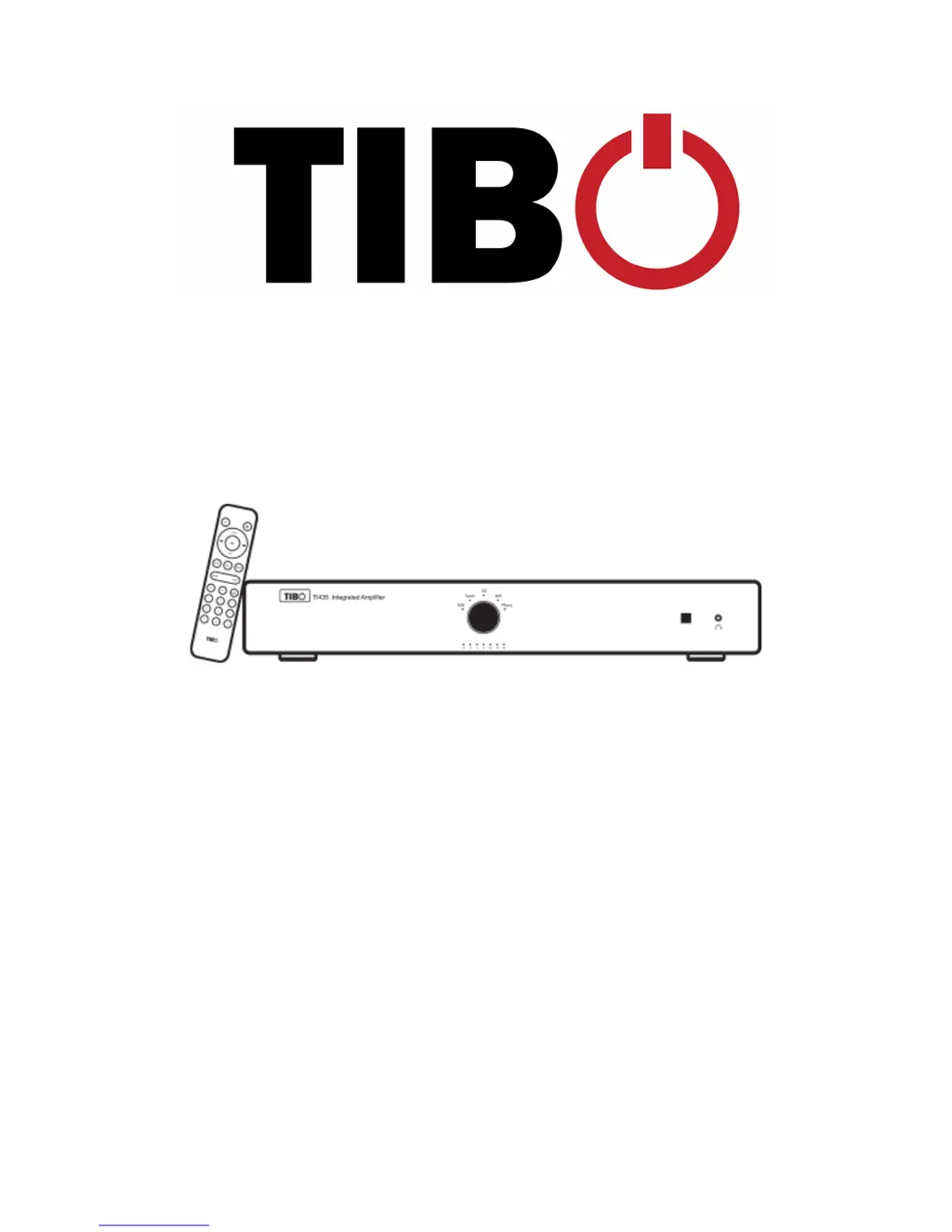
Tibo TI435 AMP - User Manual

Tibo TI435 AMP
17 pages
Print Icon
To Next Page IconTo Next Page
Loading...
!
!
!
!
!
!
!
!
!
!
!
!
!
!
!
!
!
!
!
!
TI435 AMP – User
Manual
!

Other manuals for Tibo TI435 AMP

Questions and Answers

  • J
    Joel KnightJul 28, 2025
    What to do if my Tibo TI435 AMP Amplifier has no sound?
    • M
      Michael DuranJul 28, 2025
      If your Tibo Amplifier isn't producing any sound, there are several potential causes. First, check that the volume isn't set too low; use the remote or the amplifier's volume dial to increase it. Second, ensure the RCA cables are properly connected. Finally, verify that the amplifier is using the correct input mode by using the remote or pressing the central dial on the panel to change it.
  • T
    Terry McclureAug 3, 2025
    How to fix a Tibo Amplifier that has no power?
    • M
      Meghan WalkerAug 3, 2025
      If your Tibo Amplifier isn't turning on, make sure the power switch is in the 'on' position. Also, check that the power cord is securely connected.
  • Z
    zavalachristinaAug 9, 2025
    What to do if Tibo TI435 AMP Amplifier suddenly has no sound during operation?
    • R
      Rita BrockAug 9, 2025
      If your Tibo Amplifier suddenly stops producing sound, it may have entered overheat protection mode. Let the amplifier cool down for a while. Check that the RCA lead is connected. Also check that the speaker and power cables are connected.
  • M
    Mr. Timothy Brown DVMAug 14, 2025
    Why is the sound bad or distorted on my Tibo TI435 AMP Amplifier?
    • D
      Deanna GibsonAug 14, 2025
      If the sound from your Tibo Amplifier is bad or distorted, the issue might be with the audio source. Check the connections from the amplifier to the speakers, and also check the RCA connections from the source to the amplifier.
  • A
    Abigail GarciaAug 21, 2025
    Why is the sound very quiet when connecting a turntable to my Tibo TI435 AMP?
    • K
      Katrina CannonAug 21, 2025
      If the sound is very quiet when you connect a turntable to your Tibo Amplifier, ensure that your turntable is set to 'Line' instead of 'Phono', because the RCA Phono input is NOT a Phono pre-amp phase for a Turntable.

Summary

Safety Information

General Safety Precautions

Guidelines on power socket usage, disassembly, power cord handling, and voltage limits.

Installation Location and Environment

Recommended space for ventilation and unsuitable installation sites.

Cleaning and Maintenance

Instructions for cleaning the appliance with a soft cloth and neutral solution.

Handling Risks and Battery Installation

Advice on storm, liquid/item ingress, repacking, and remote control battery installation.

Introduction

First Time System Setup

In the Box

Lists the items included with the TI435 Integrated Amplifier.

Front Panel Layout

Identifies and explains the controls and connections on the front of the amplifier.

Rear Panel Layout

Rear Panel Connections

Identifies and explains the ports on the rear panel, including inputs, outputs, and power.

Remote Control

Remote Control Buttons

Details the function of each button on the remote control for operating the amplifier.

Initial Setup Steps

How to Use Screw Terminals

Instructions on how to correctly connect speaker cables using screw terminals.

Line In Mode

Tuner Mode

CD Mode

Optical Mode

Phono Mode

Connecting a Subwoofer

Troubleshooting

No Power

Solutions for when the amplifier does not turn on.

No Sound

Solutions for when no audio output is heard from the amplifier.

Sudden Loss of Sound

Solutions for unexpected loss of audio output during use.

Distorted Sound

Solutions for poor audio quality or distorted sound.

Quiet Turntable Sound

Explanation for low volume when connecting a turntable, related to input settings.

Tibo TI435 AMP Specifications

General IconGeneral
BrandTibo
ModelTI435 AMP
CategoryAmplifier
LanguageEnglish

Related product manuals