72
(2) Press “On/Off” to set IDU status;
(3) Press “Mode” to set operating mode (Auto mode is unavailable);
(4) Press "Temperature Up/Down" to set temperature;
(5) Press “Fan” to regulate fan speed; (note: set fan speed when the unit is on)
(6) Press “Swing”;
(7) Press “Sleep”;
(8) Settings completed;
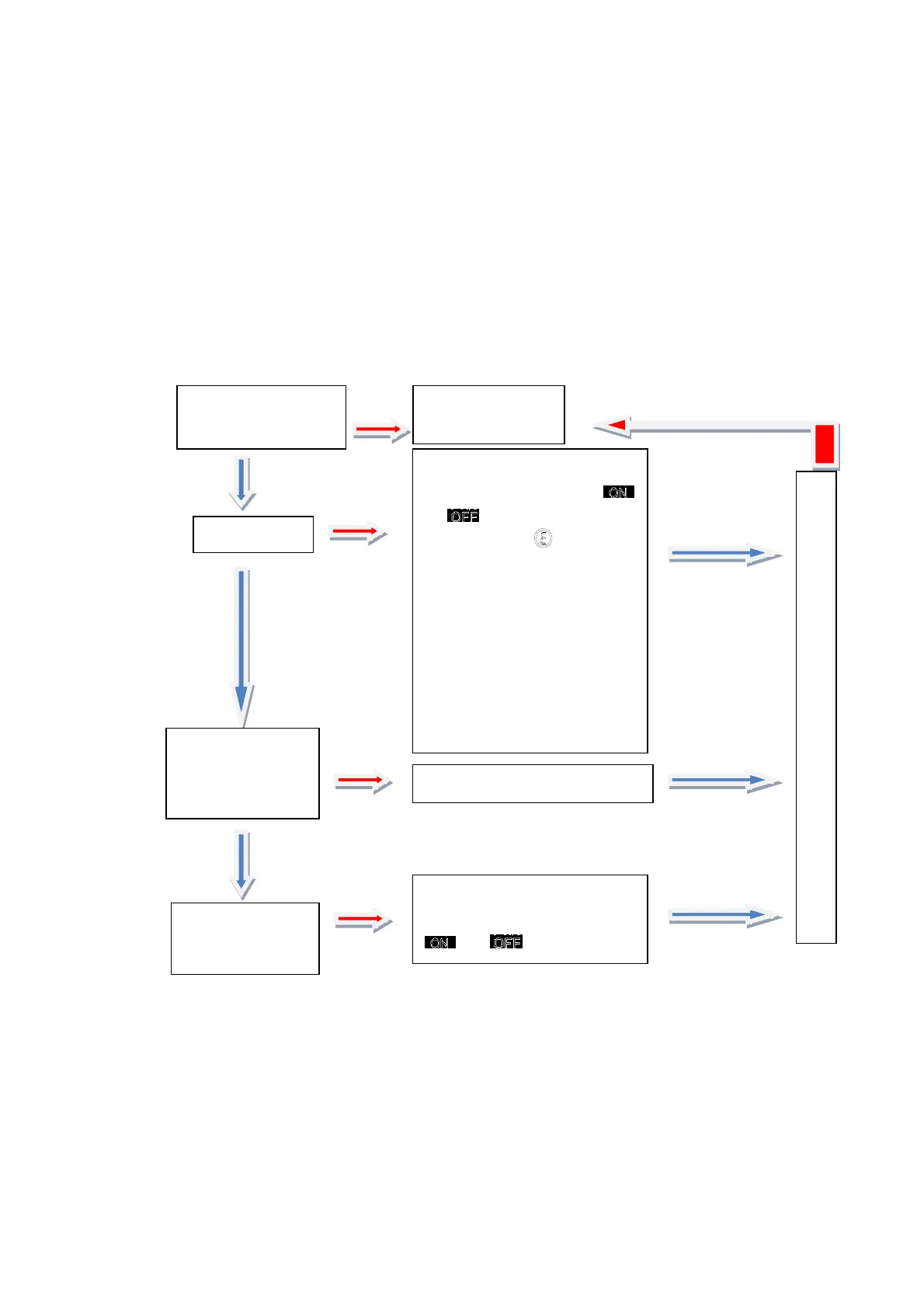
6. IDU Functions Settings:
7. Switching between Fahrenheit temperature and Celsius temperature:
Press "Temperature Up/Down" at the same time, and one beep is heard after 5s, which
indicates setting successfully completed;
8. Clock settings/timer settings:
(1) Clock settings:
Press "Function" for
three times
Display the
function No. 3
Press
"Temperature
Up/Down"
Select the desired IDU No.
Press “Function” to exit settin
s
Product No. Display Area
displays IDU NO01 and
or
, while Status Display
Area displays
, an
indication of entering IDU
setting interface. ON
indicates the corresponding
IDU under centralized control
is controllable, while OFF
indicates the corresponding
IDU under centralized control
is uncontrollable;
Press "On/Off"
When setting IDU status,
icon switches between
and ;
Press "OK"



 To Next Page