73
Note: When the clock is displayed normally or time is set, press "Week" to adjust day of
the week.
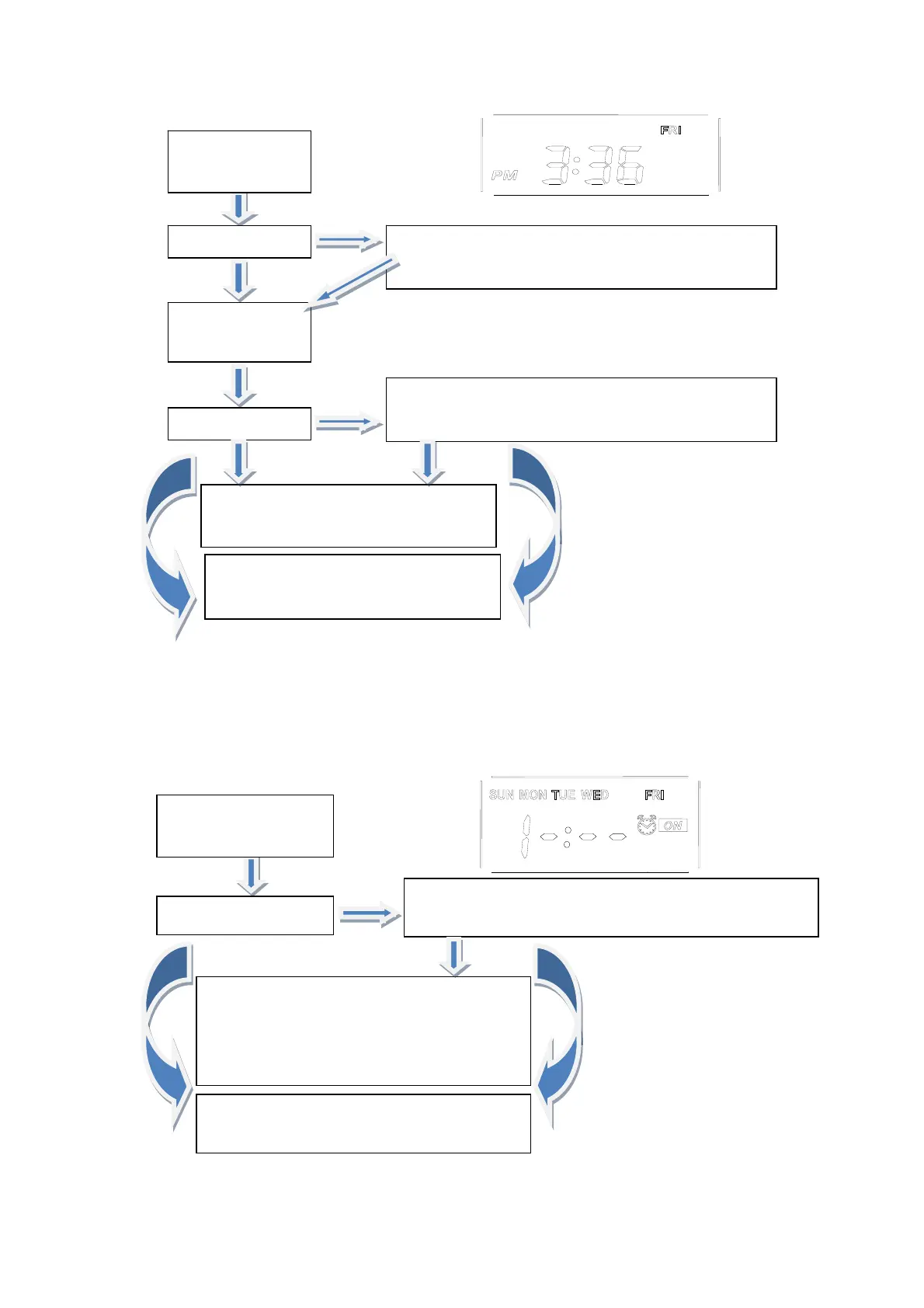
(2) Timed power-on settings:
Press "Clock Up" to adjust the hour; press "Clock
Down" to adjust the minute
Press "Clock" for
three times
Set timer time
The current time is displayed 10s later, and
timed power-on setting is completed; if the
"Function" button is pressed at this moment,
timed power-on setting is canceled.
Continue to press "Clock" to access timed
power-off settings
The hour digits blink. Press "Clock Up" and "Clock
Down" to adjust the hour
Press "Clock"
Set the hour
Press "Clock"
The minute digits blink. Press "Clock Up" and
"Clock Down" to adjust the minute
Set the minute
Blinking stops 10s later. Time setting
ends.
Continue to press "Clock" to access
timed power-on settings



 To Next Page