91
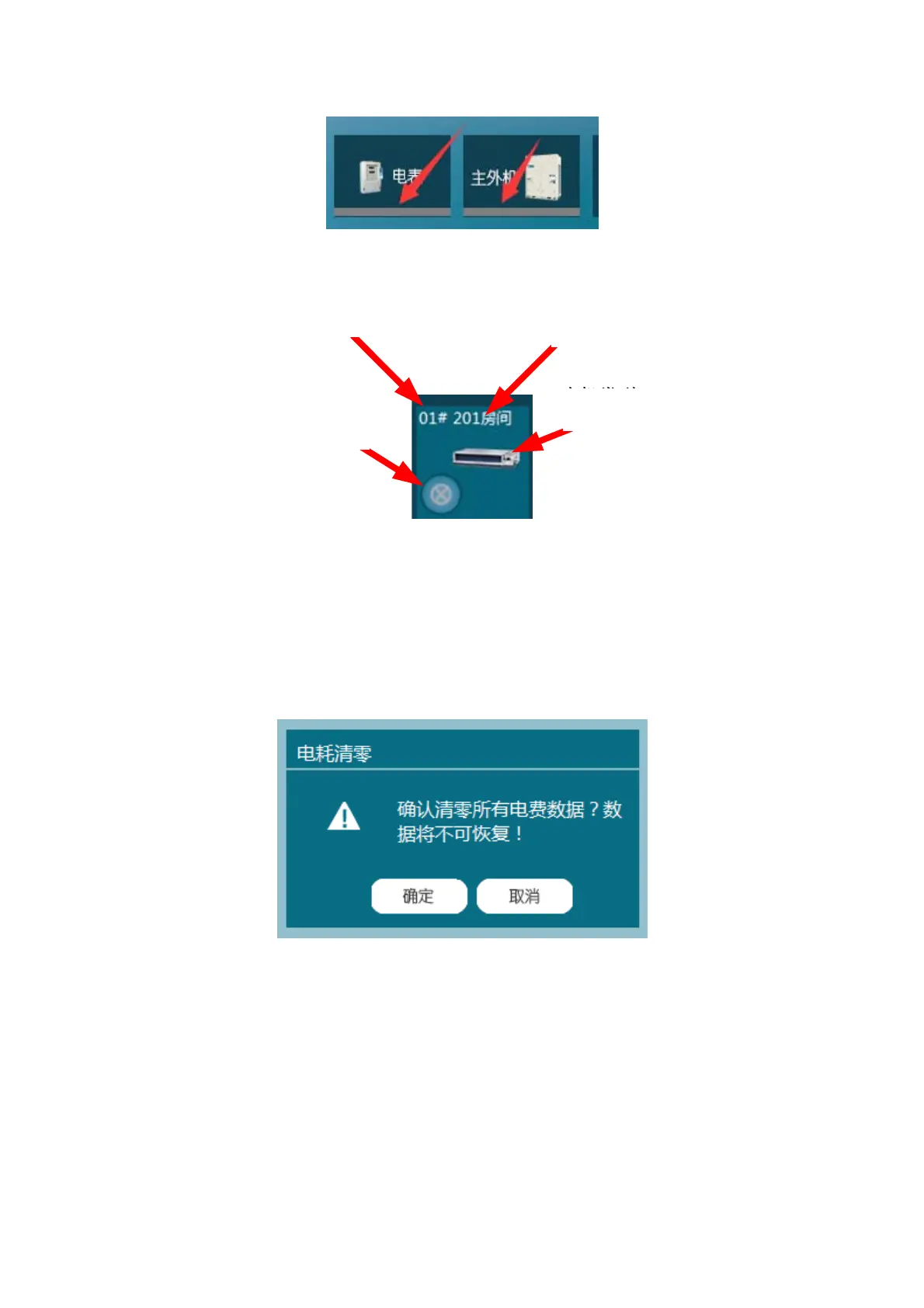
Off line indicator
The lower right area displays IDU information as below.
Operation:
Click a certain system from the system list, and the right area will display the information
of that system, including electricity meters, ODUs and IDUs.
(7) Power Consumption Clearing
Click Power Consumption Clearing under Query Control menu to remove the entire
electricity bill data.
Functions: User can enter Power Consumption Clearing interface under Query Control
menu. This interface is used to remove all the data on electricity charges for system
maintenance purposes.
Interface: Two buttons are available on this interface, respectively Cancel and OK.
Operation: Enter Power Consumption Clearing interface, and click OK to remove the
entire data; or click Cancel to return to main interface.
IDU No.
IDU Name
IDU Picture
IDU Status



 To Next Page