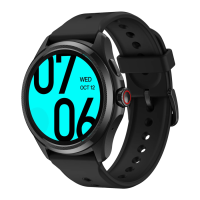
watch and phone. Make sure you set the TimeShow as your current watch face.
1.7.1.1 Browse watch faces on your watch
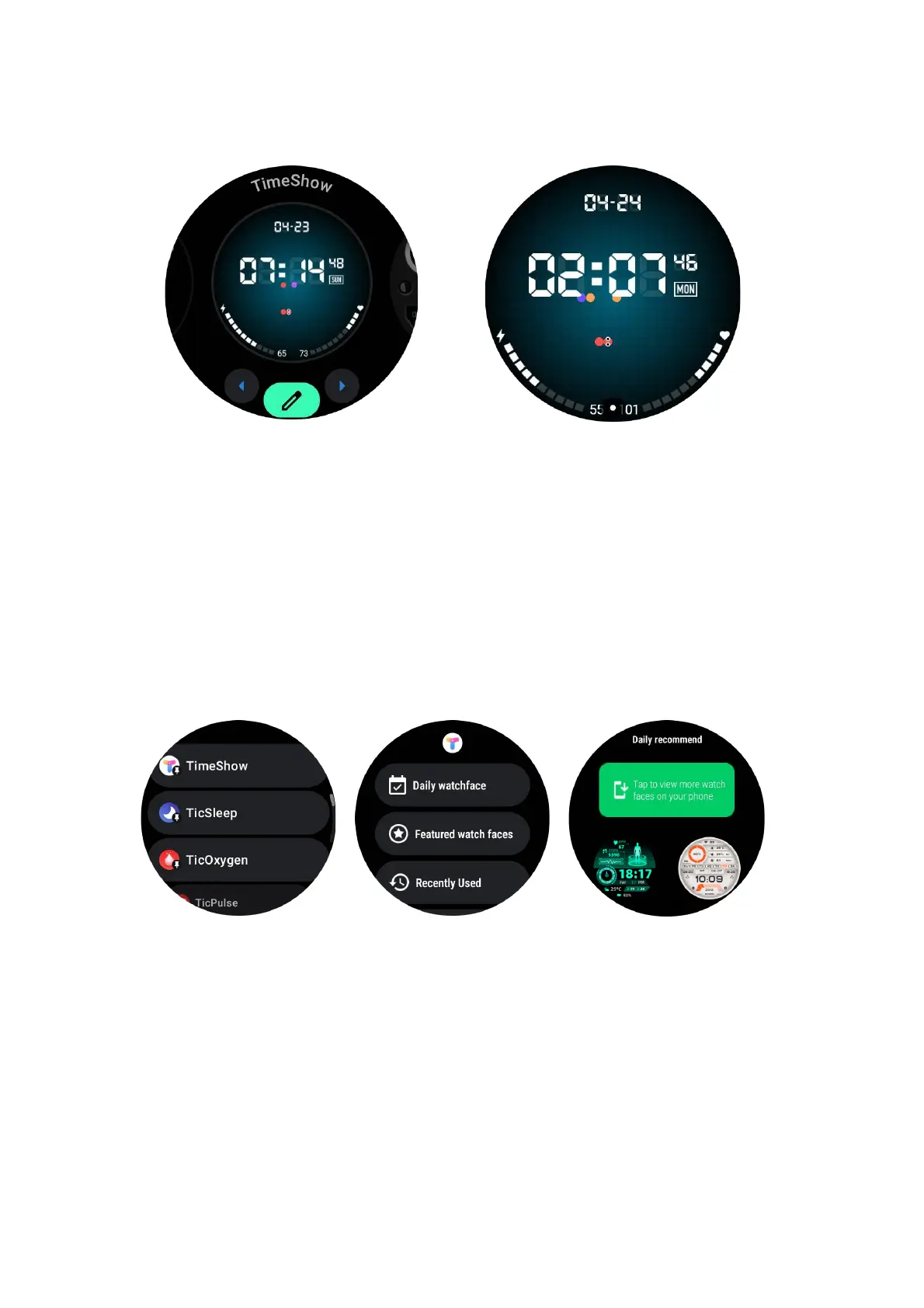
• Press the rotating crown to enter the application list menu
• Tap the Ti meShow app
• You can browse watch faces from the daily recommendation or featured list
• Tap the watch f a c e t o preview it
• You can download the free watch face and apply it direcly
• Or you can purchase the paid watch faces.
1.7.1.2 View TimeShow on your phone
You can find more watch faces through the following methods:
• Download and install the TimeShow app on your phone
• You can use your Mobvoi registered email address and password to log into
TimeShow directly or log in with Google account
• If you want to sync watch faces, please tap on the sync button and make sure


 To Next Page