11
10
English
2
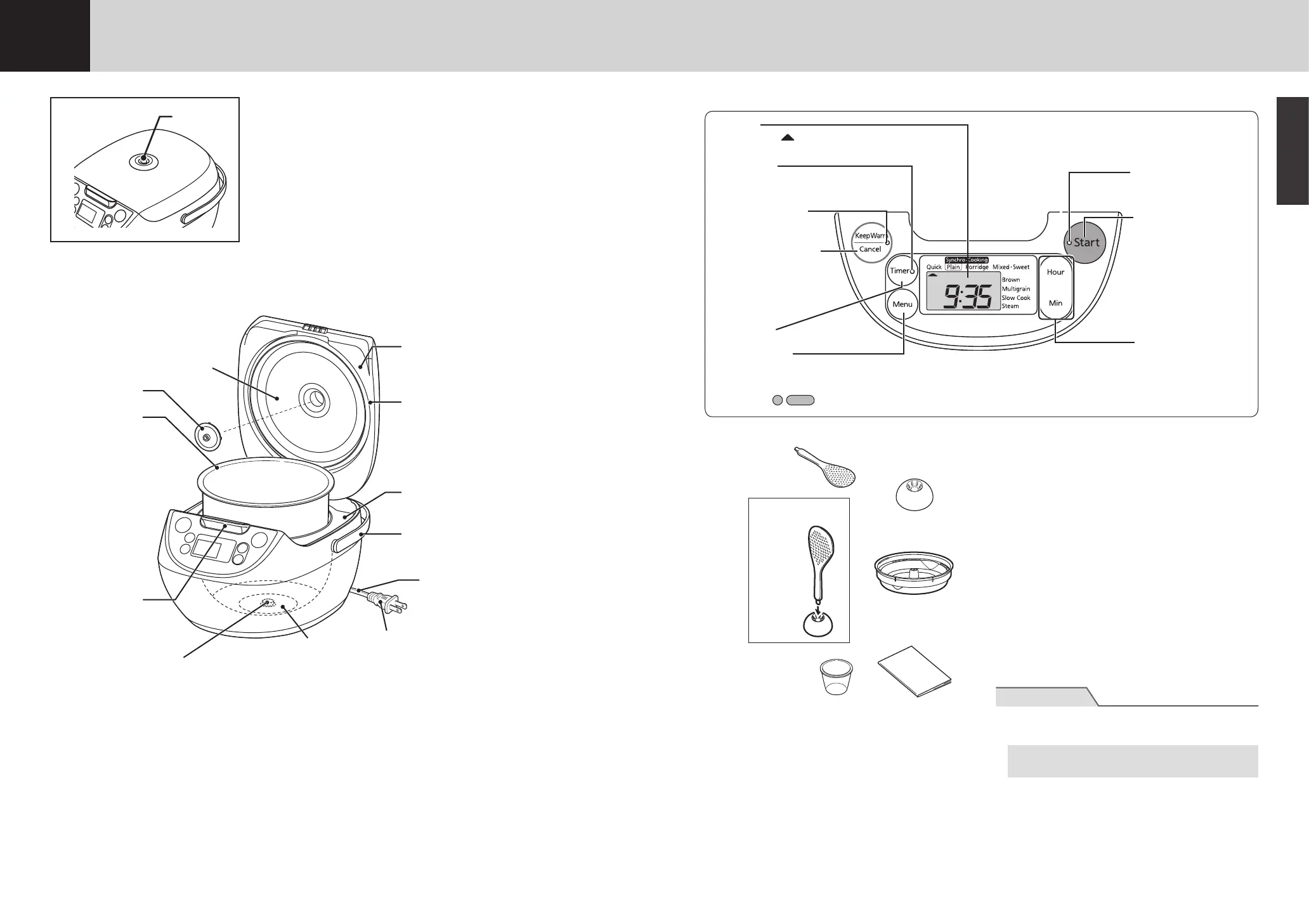
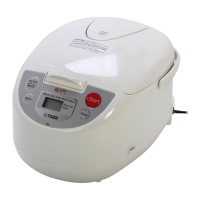
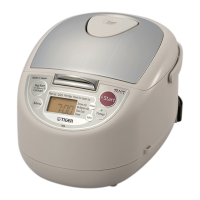
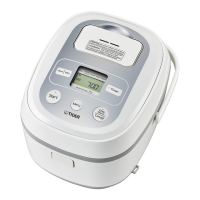
Names and Functions of Component Parts
Lid
Heating plate
Lid gasket
This gasket is not
removable; do not attempt
to remove it.
Carrying handle
Use when carrying
the rice cooker.
Power cord
Power plug
Center sensor
Inner pot
Upper casing
Hook button
Push to open
the lid.
Steam
vent
Heater plate
Pressure control
cap
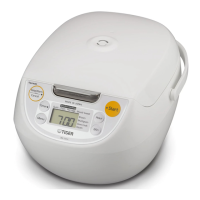
Operation panel
The reliefs (
) on the [Start] and [KeepWarm/Cancel] keys are to aid persons with a visual impairment.
Checking the accessories
Spatula
Spatula holder
COOKBOOK
Cooking plate
Measuring cup
About 1 cup (0.18 L),
about 5.29 oz (150 g)
How to use
the spatula
holder
Insert
Sounds emitted by the rice cooker
The following sounds coming from the rice cooker
during cooking, steaming, or when the Keep Warm
function is on is normal and does not indicate a
problem:
• A clicking sound (This is the sound of the
microcomputer controller.)
•
A scraping sound (This is the sound of metal
contracting and rubbing together due to heat.)
• A sound like boiling water (Only during cooking or
steaming.)
Checking the present time
The time is displayed in a 24-hour format. It should
be adjusted if the correct time is not displayed.
(See p.40.)
The lithium battery
The rice cooker has a built-in lithium battery that
stores the present time and the preset timer settings
even with the power plug disconnected.
• Thislithiumbatteryhasafour-to-ve-yearlife
expectancy with the power plug disconnected.
• If the lithium battery runs out, “0:00” will blink on
the display when the power cord is plugged back
in. Normal cooking is still possible, but the present
time, preset timer settings, and elapsed Keep
Warm time will no longer be stored in memory
when the power plug is disconnected.
Note
● Do not attempt to replace the lithium battery
yourself.
To replace the battery, contact TIGER
CORPORATION U.S.A.
[Hour] and [Min] keys
Use to set the present
time and the time under
the Timer function.
[Menu] key
Press to select the desired
cooking menu.
Keep Warm lamp
Lit when the Keep
Warm function is on.
[Keep Warm/Cancel]
key
Press to use the Keep
Warm function and
to cancel the current
operation.
Display
Displays the
symbol (menu
cursor) and the present time, etc.
[Start] key
Press to start cooking,
etc.
Start lamp
Lit or blinks during
cooking, etc.
[Timer] key
Press to set theTimer.
Timer lamp
Lit or blinks when the
Timer function is set.


 To Next Page