7
Volume Control
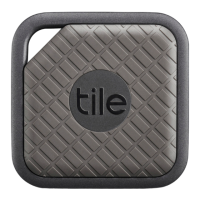
1. The Tile Pro Series oers three volume selections -
silent, normal and loud. Once you’ve selected a Tile, you
will be able to adjust its volume when it’s in “Find” mode.
Using the Proximity Meter
1. If you’re within Bluetooth range, use the proximity
meter to visually guide you to your Tile.
2. Select a connected Tile and then tap the green
circle around it.
3. The rings indicate signal strength from your Tile.
Take a few steps around you. If you’re going in the
right direction, the rings will fill, indicating that the
signal is getting stronger and that the Tile is nearby.


 To Next Page