
 Need help?
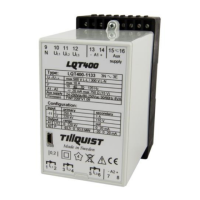
Do you have a question about the TILLQUIST LQT400 and is the answer not in the manual?
Detailed specifications for inputs, outputs, and general parameters of the LQT400 transducer.
Guidance on physical mounting and electrical installation procedures for the transducer.
Information on intended operation, environmental conditions, and critical safety warnings.
Details on required maintenance and explanation of device safety symbols.
Defines terminal connections for signal inputs, outputs, and auxiliary supply.
Instructions for installing the ConfigLQT software and necessary drivers for transducer configuration.
Steps to establish a USB connection between the LQT400 and a computer for configuration.
Configuration options for primary/secondary values, transformer ratios, and system connections.
Guide to setting up the two analog output channels for measurement signal mapping.
Procedures for saving and loading transducer configuration files.
 General
| Brand | TILLQUIST |
|---|---|
| Model | LQT400 |
| Category | Transducer |
| Language | English |

 To Next Page