2
2. Features:
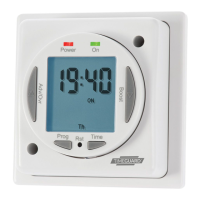
4 ON/OFF switching programmes, which for
NTT07 can be made to operate over all 7 days
(24 hour operation), 5 weekdays 2 weekend days,
or any individual day (7 day operation). For the
NTT06, 24 hour programming is the only option.
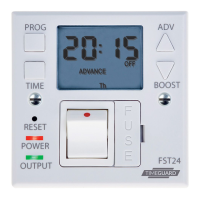
Advance feature advances to next
programmed operation.
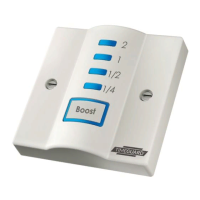
Boost feature provides 1 or 2 hour boost.
Battery back up retains programmes and clock
times during loss of mains.
Option of automatic summer time update (ASCO).
Shortest switching time of 1 minute.
Programme review.
3. Installation:
We recommend that this unit be fitted by a
qualified electrician. Install in accordance
to wiring and current building regulations.
Please read the instructions carefully. If in
any doubt contact the Timeguard Helpline.
Important: Switch off mains electricity
before commencing work.
Remove the terminal cover. Fix the unit to the wall
with the mounting screws provided. Fix the top
screw first and leave 2.5mm proud, place the key
hole in the top of the product over the screw
head and slide down. Then mark and drill the
lower fixing. Secure unit to the wall.



 To Next Page