2 3
5. Downloading App and Registration
Note: the smartphone or tablet must be connected to a 2.4GHz
band on the router. Paring on the 5GHz band will result in paring
either timing out or being unsuccessful. Refer to your ISP
(Internet Service Provider) on separating the bands if required.
• Ensure your phone or tablet is connected to your local Wi-Fi network.
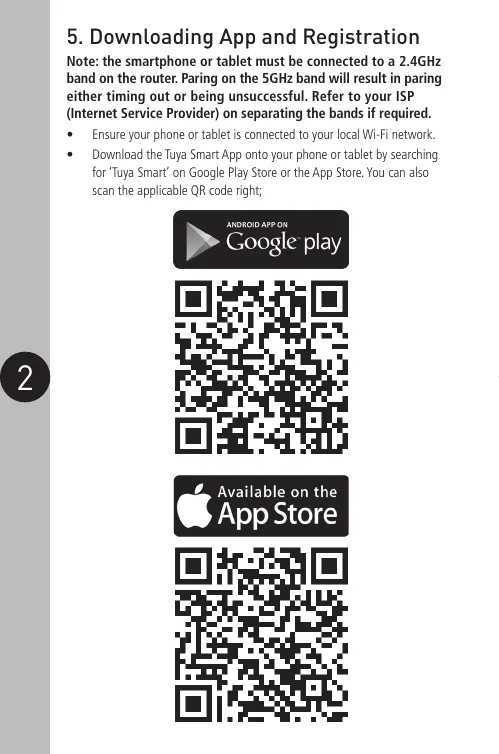
• Download the Tuya Smart App onto your phone or tablet by searching
for ‘Tuya Smart’ on Google Play Store or the App Store. You can also
scan the applicable QR code right;


 To Next Page