1.Open the APP and allow all the permissions.
2.Register and log in to the APP, fill in the basic information.
3.Select 【 】 in the device page.WT2 Edge
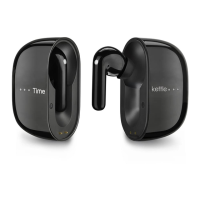
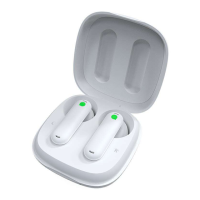
4.Take out the WT2 Edge of the charging case, and connect them in APP(Not
in the mobile bluetooth list).
5.Select mode (e.g. ).Simul Mode
6.Select language & accent for the left and the right earbuds.
7.Share one earbud to another person and put on one yourself.
8.Both of you can speak simultaneously and hear the translation concurrently.
Quick Start
EN-3EN-3


 To Next Page