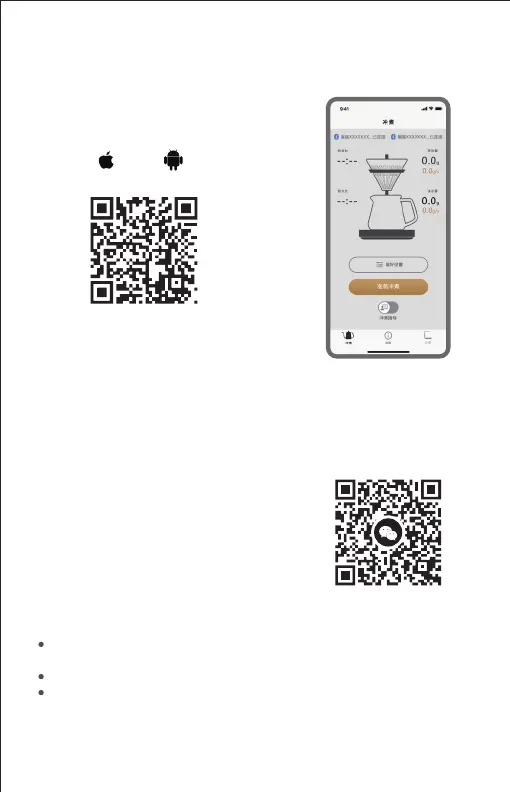
Smartphone App
1. Scan the below QR code and get into
www.timemore.com - Download Center
to download [TIMEMORE] application.
After installation, please complete the
registration or login account to learn
more under [Brewing], [Data], [Device]
interfaces.
2. Scan the QR code and get into Mini
Program [TIMEMORE] via Wechat.
Please turn on the Bluetooth on the mobile phone to connect the device with
Bluetooth according to the prompts in the Application or Mini Program.
Please make sure the device is not paired with other mobile phones.
The function, content and format of the App will be updated and improved
periodically. Please pay attention to the latest product news.
Android iOS


 To Next Page