Need help?
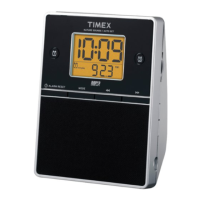
Do you have a question about the Timex T307 and is the answer not in the manual?
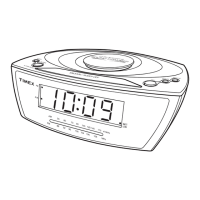
General steps for setting up the clock radio, including placement and connecting power.
Instructions for installing 2 AAA batteries for backup power and alarm functionality.
Guidance on proper placement, cleaning, and battery removal for prolonged storage.
How to adjust time zone settings using the automatic feature.
Steps for manually setting the current time and calendar date.
Configure the first alarm to wake with a radio station and set volume.
Configure the second alarm with nature sounds or a buzzer.
How to turn alarms on/off and use the snooze function.
Manual adjustment for Daylight Saving Time.
How to select different brightness levels for the display.
Steps to turn on, select bands, tune stations, and adjust volume.
How to preset and access favorite radio stations.
Using the timer to fall asleep to the radio for a set duration.
Using the timer to sleep to nature sounds for a set duration.
Connecting and using external audio devices via the AUX-IN jack.
 General
| Brand | Timex |
|---|---|
| Model | T307 |
| Category | Clock Radio |
| Language | English |

 To Next Page