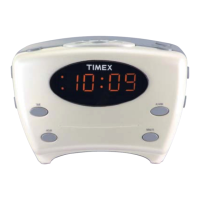
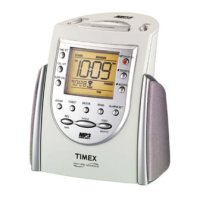
1. Set the Projection Switch located on the right side of the unit to Time to project the time, to Time/Alarm
to project both the time and the earliest set alarm time or to Off to turn the projection function off.
2. Tilt the projector arm to aim the projected display as needed for best viewing. Adjust the focus by turning the
Focus Dial until the image is sharp. To flip the the projected image vertically, press the Flip Image Button.
Using the Projector Function
9
Back Light Dimmer
During normal operation, press the Snooze/Dimmer Button to adjust the display brightness.
Snooze Operation
1. Press and hold the Snooze/Dimmer Button to adjust snooze timer from 1 to 30 minutes.
2. After the alarm sounds, press the Snooze/Dimmer Button. The alarm will go off and will come on again after
the set snooze time. You may repeat this cycle several times during the 1 hour alarm cycle.



 To Next Page
 Loading...