3
Pairing the headphones
1. Press and hold the [ ] button for 5 seconds to turn
ON the wireless headphones and enter pairing
mode. An tone will sound and lights will blink
BLUE and RED to indicate that pairing mode is
active.
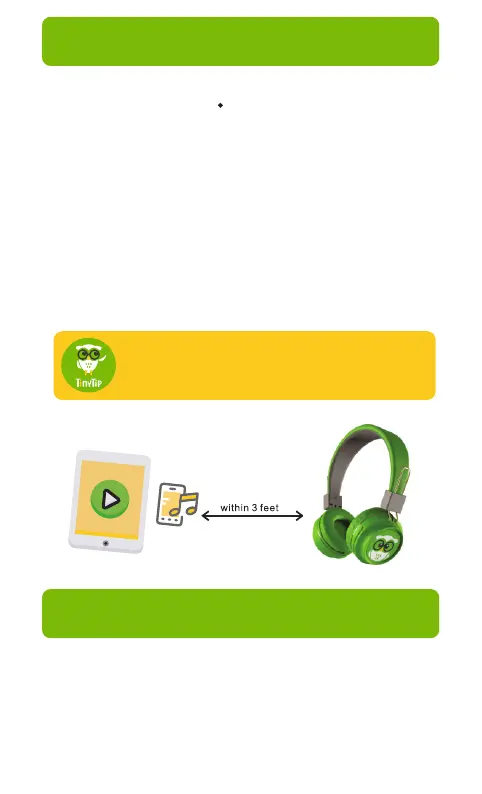
2. Keep your wireless headphones and Bluetooth
enabled device within 3 feet of each other during
the pairing process.
3. Open the list of Bluetooth devices on your
phone, tablet or computer and select the device
“TinyGeeks Neo” to pair them.
If a paired device is in range when
the headphones are turned on, they
will connect to it automatically.
These headphones have a 3.5 mm port that allows
the listener to enjoy the headphones in wired mode,
even when out of battery. Simply use the audio
cable provided to connect the TinyGeeks Neo to a
3.5 mm port in your audio device.
Wired mode



 To Next Page