INSTALLATION MANUAL
MODEL : TIS-PL-171000
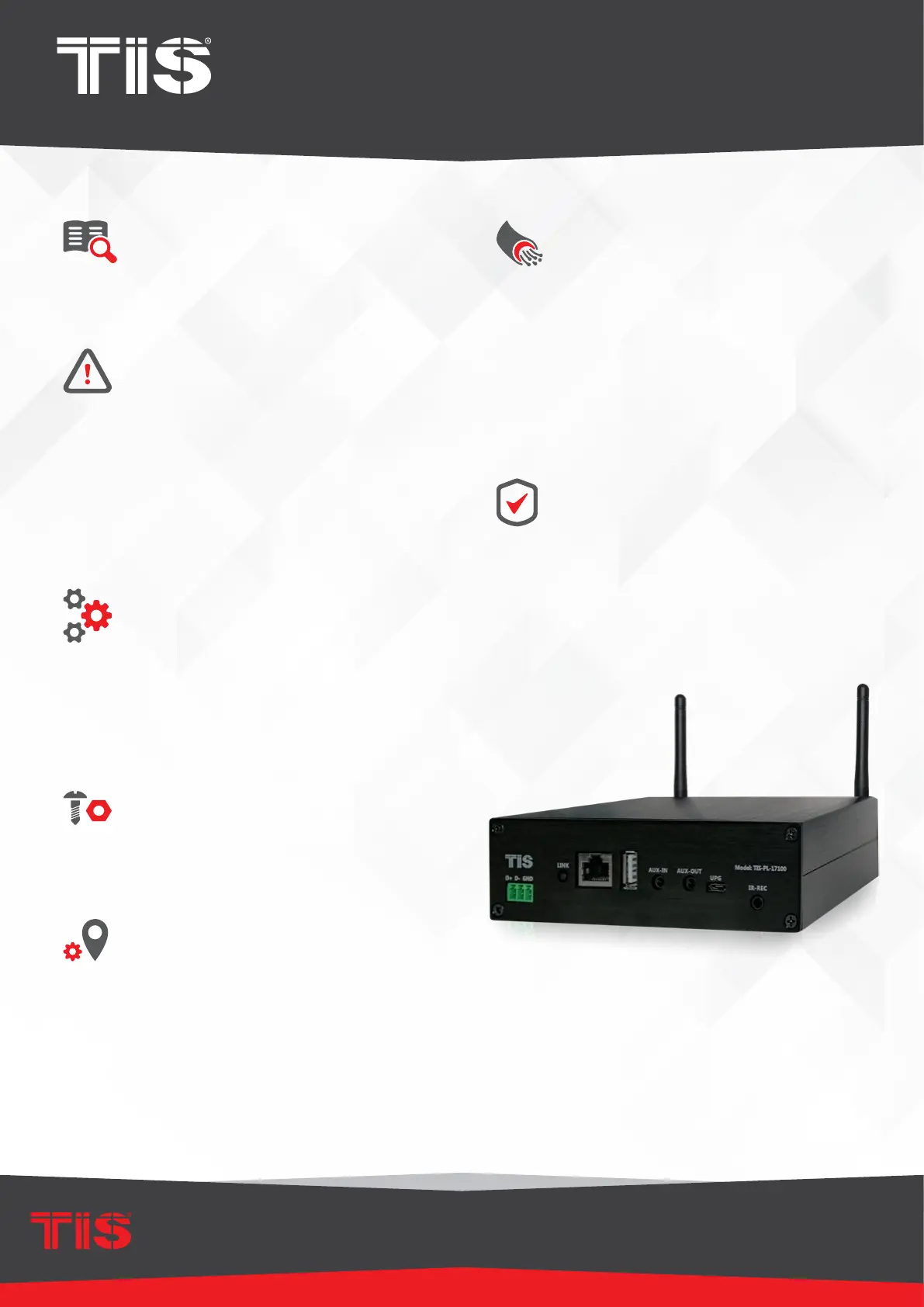
Smart audio Streamer
2
www.tiscontrol.com
TIS CONTROL LIMITED
Wanchai, Hong Kong
TIS CONTROL PTY LIMITED
SA , AUSTRALIA
Copyright © 2022 TIS, All Rights Reserved
TIS Logo is registered trademark of TIS CONTROL.
All of the specification are subject to change without notice.
Data Cable
For Ethernet connection Use Cat5e or
Cat6 Cable
For TIS-BUS connection use screened
standard RS485 data cable with four
twisted pairs. Congure devices in a
“Daisy Chain.”
Do not cut or terminate live data cables.
Warranty
There is a Two-Year warranty provided
by law. The hologram warranty seal and
product serial number are available on
each device.
Read Instructions
We recommend that you read this
Instruction Manual before installation.
Safety instructions
Electrical equipment should only be
installed and tted by electrically skilled
persons.
Failure to observe the instructions may
cause damage to the device and other
hazards. These instructions are an integral
part of the product and must remain with
the end customer.
Programming
This device can be tested and
programmed manually. Advanced
programming requires knowledge of
the TIS Device Search software and
instruction in the TIS advanced training
courses.
Simple Installation
You can use either the wall mount
installation , or simply put it o table.
Mounting Location
Position the TIS-PL-17100 on a stable
surface within clear reception of the local
Wi-Fi signal and where controls and
connections are accessible.



 To Next Page