WATCH MENUS
Menu 2
On the second push of Button A, the activity
tracker is displayed. The watch uses an
accelerometer for activity tracking.
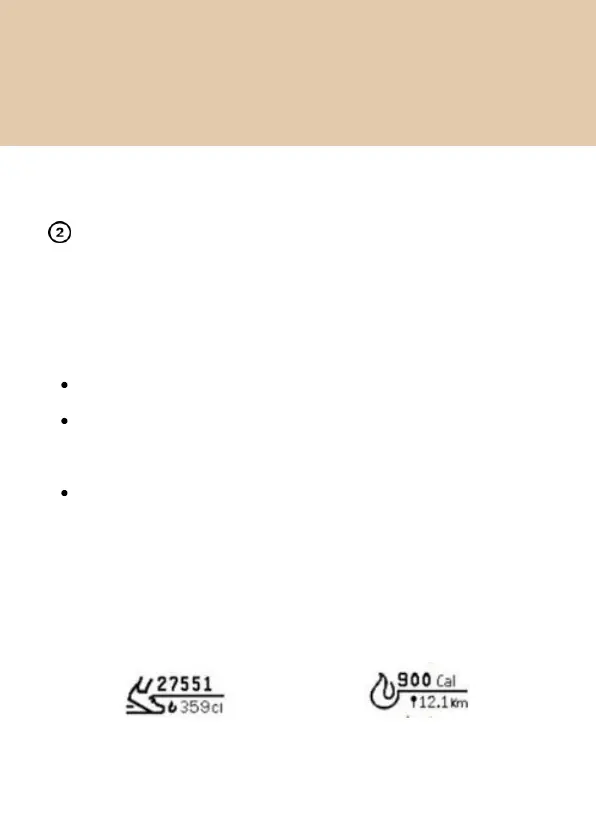
You can track the steps taken during the day.
You can also track the distance covered in
kilometers.
You will also be able to keep a track of the calories
burnt depending on the type of activity.
You can see different views by pressing Button 2 -


 To Next Page