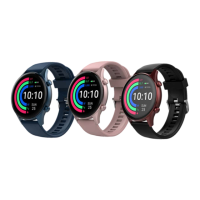
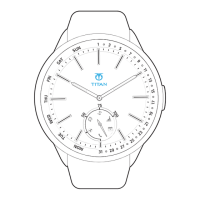
WATCH MENUS
Note
1.
While accessing the above menus, there can be
incidental screens such as alarm pop-ups,
messages, device charging, etc.
2.
The activity data will not be deleted when the
watch is restarted. However, if the watch is Reset,
then all data from the watch will be wiped off.
3.
To reset the watch and pair it with another
phone, long-press the 4H button and press the 3H
button 3 times,
this will reset your watch.
4.
If there is no operation, then the watch will
automatically return to the main time interface
within 2 minutes (except for stopwatch,
countdown,
etc.).
5.
If the watch is in disconnected status, then it is
indicated with a small '!' icon.


 To Next Page