FAQ'S
Q.10.
How to read directions on the watch
in compass mode?
-
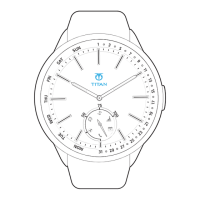
In the Compass Mode, the minute and hour
hands align to form a straight line pointing in
opposite directions. The minute hand, with the
red accent marking, points towards the
magnetic north. The exact direction
(coordinates) can be seen on the digital screen.
Q.11.
How do I turn off the alarm?
-
Simply press Key-A once to turn off the alarm
when the watch is vibrating.
Q.12.
If I need assistance with the product,
whom can I contact?
-
You can reach out to our Customer Care at
1
8
00
-
2
66
-
0
1
2
3
o
r
e
m
a
i
l
u
s
at
smartdesk@titan.co.in



 To Next Page