
 To Next Page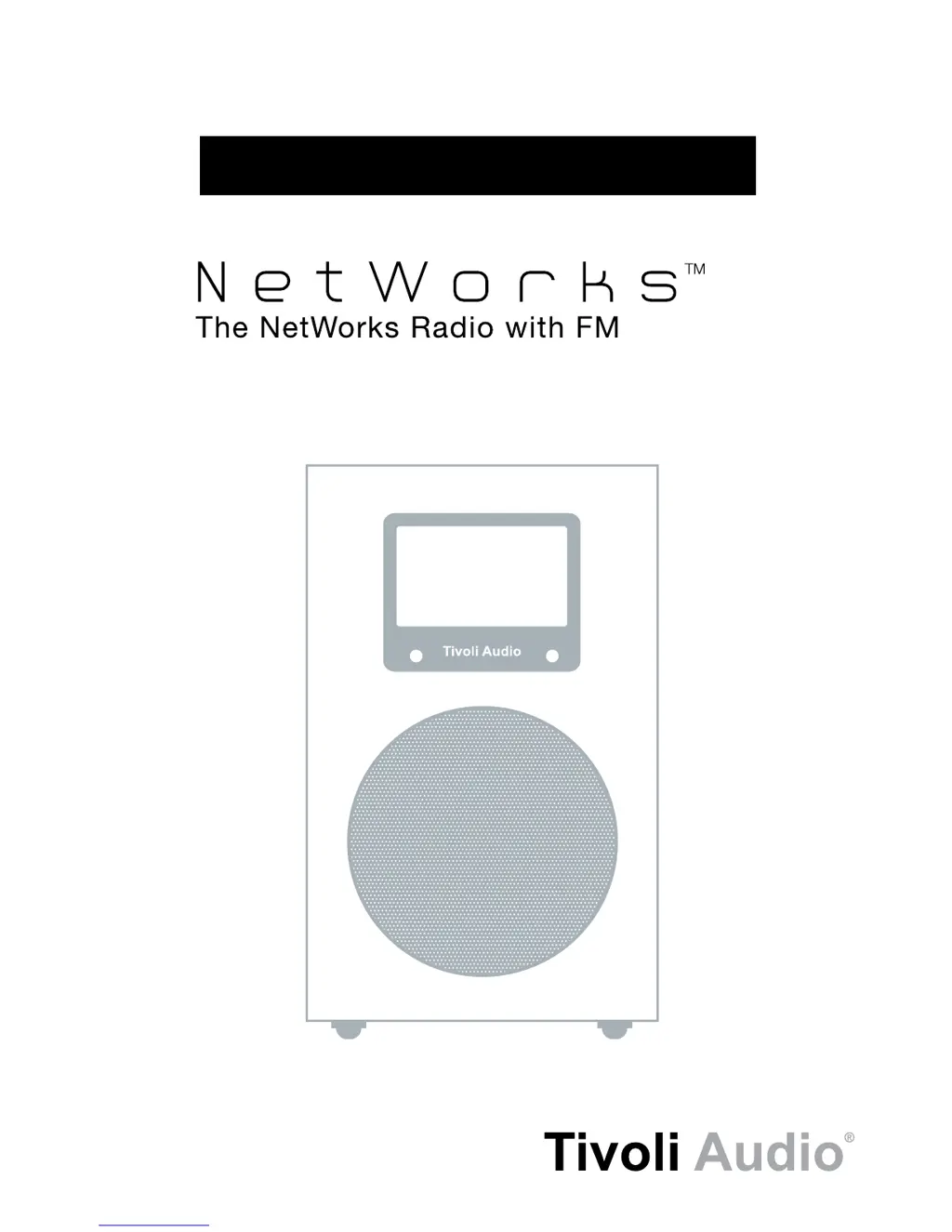
D
Dana WrightJul 28, 2025
How to fix Tivoli Audio NetWorks Radio when unable to connect to WiFi network?
- BBrandy RodriguezJul 28, 2025
First, verify your PC can connect to your WiFi network to ensure it is working. Then, check that your network isn’t restricting connections based on MAC addresses. You can find the NetWorks’ MAC address (Radio ID) in the main menu under “Info”. Also, ensure a DHCP server is available or that you’ve set up a static IP address on the NetWorks via the “IR Set Up” menu. Confirm that your network’s firewall isn’t blocking any outgoing ports. If using Ethernet, make sure the cable is fully inserted and “Wired” is selected in “Internet Setup” under “Manual settings”. As a last resort, try unplugging the NetWorks Radio for a few seconds and plugging it back in, or perform a factory reset.
 General