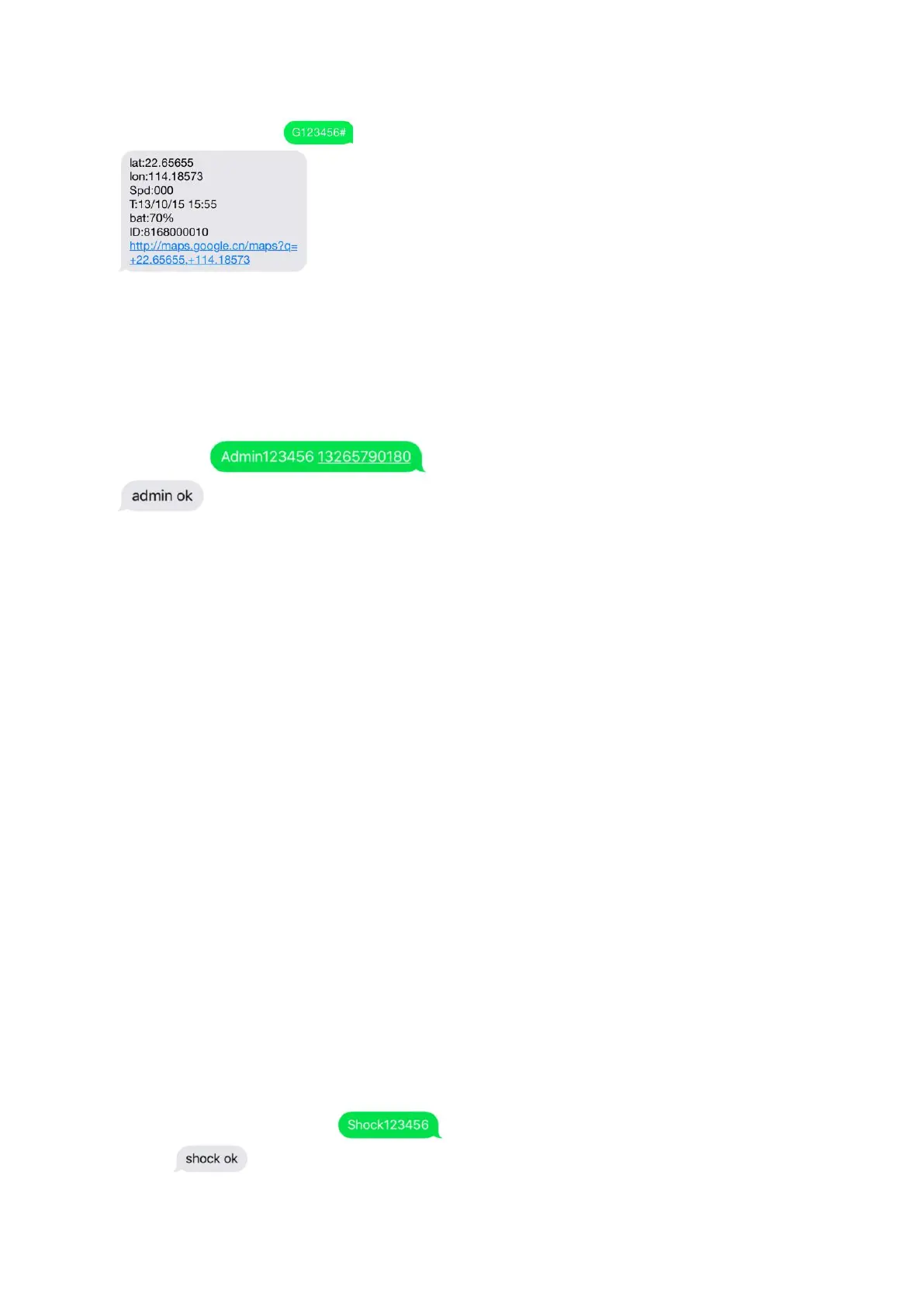
2.2. Admin phone number setting
After admin number is setup, all SMS operations to the device are under this phone number only.
Command: admin123456 phone number (Note: this phone number is your own mobile phone number, not
the SIM card number in the GPS tracker)
E.g.:admin123456 13265790180
When the GPS tracker is in over-speed alarm, vibration sensor alarm, or low battery alarm, it will send alert
to the admin number. (13265790180)
2.3 Setup speed alarm
Command: speed123456 070 (suppose speed is 70Km/h)
When the device goes over 70Km/h, it will send a “speed alarm! SMS to the admin phone number.
To deactivate speed alarm:
2.4. Setup GPS location uploading interval
The default setting for the GPS location uploading interval is 1 minute. If you want to change it to 3 minutes
(180 seconds), you can send SMS command:
2.5. Vibration alarm setting



 To Next Page