APN name: prepay.tesco-mobile.com
APN username: tescowap
APN password: password
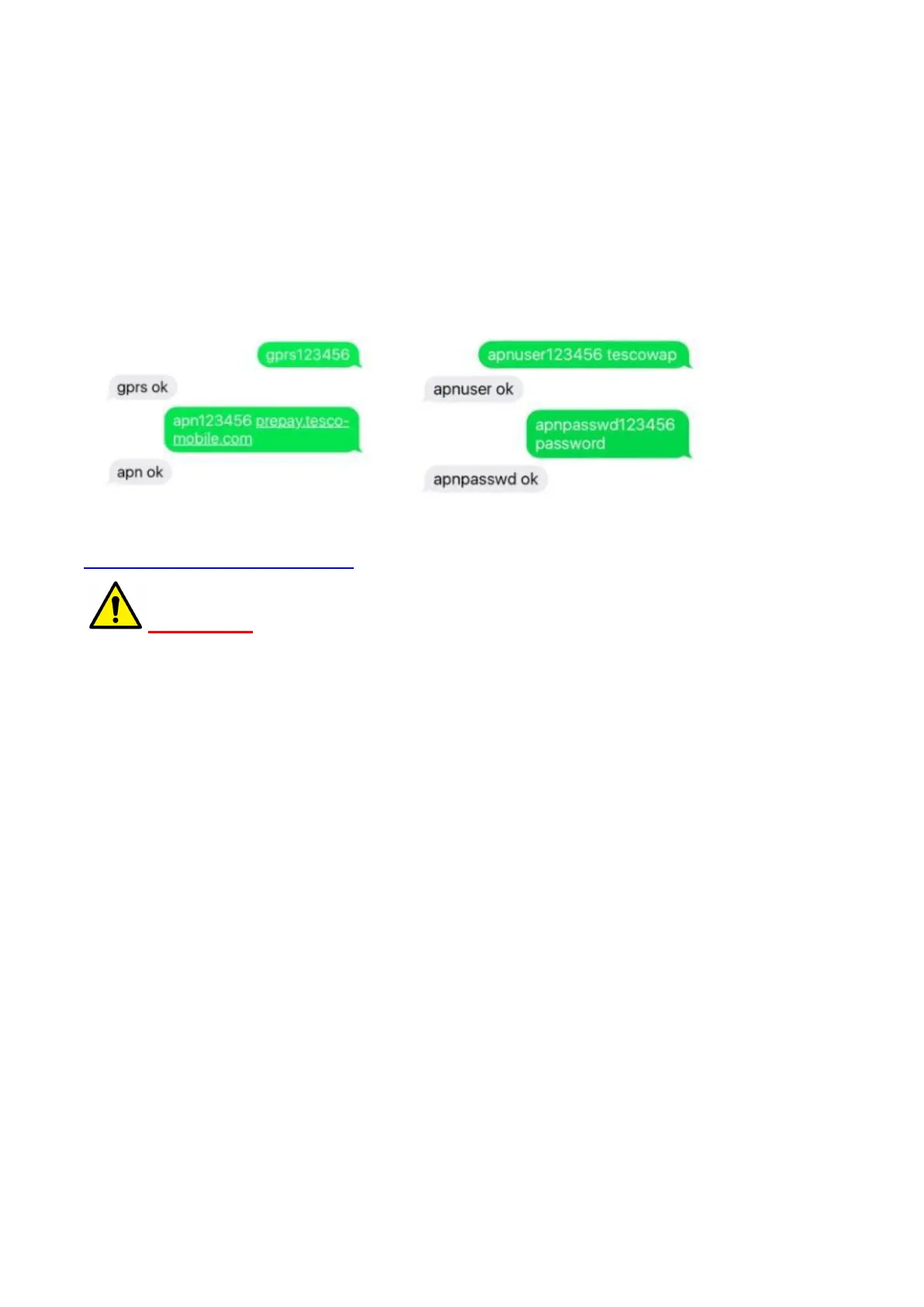
Send SMS in below setup APN,
apn123456 prepay.tesco-mobile.com
apnuser123456 tescowap (no need to send if APN username is empty)
apnpasswd123456 password (no need to send if APN password is empty)
Note: You can also copy the URL below to find out your APN information,
http://wiki.apnchanger.org/Main_Page
Warnings:
1. Only GSM SIM card with voice call, SMS and GPRS data plan works with the device, please make sure the
GSM SIM card supports calling, sending SMS message and GPRS network.
2. Please install the SIM card into a cell phone to disable the PIN code, the answering machine and the call
alert, then put the SIM card back into the tracker. Please also make sure the GSM card has opened the call
shows and turned off the call transfer.
3. Please make sure GSM SIM card has got sufficient credit.
4. GPS tracking can only work outdoor. As this device depends on the GPS network, GSM (GPRS) network
system, GIS (geographic information) system, computer system and etc, it must work with good network
flow, due to network failure or other forces causes any losses and service disruption, we will not undertake
any responsibilities for this.
5. Keep the product away from fire, high temperature or other extreme environments.
6. Don’t disassemble or modify the product, to avoid damage to the product.
7. If the product is damaged resulting in a breach of the warnings above, we will not bear any legal
responsibilities.
Chapter 2 - SMS tracking
2.1. Live tracking
Call the tracker or send the message “G123456#” to GPS tracker, you will receive a Google Maps link of
position.
E.g.:



 To Next Page