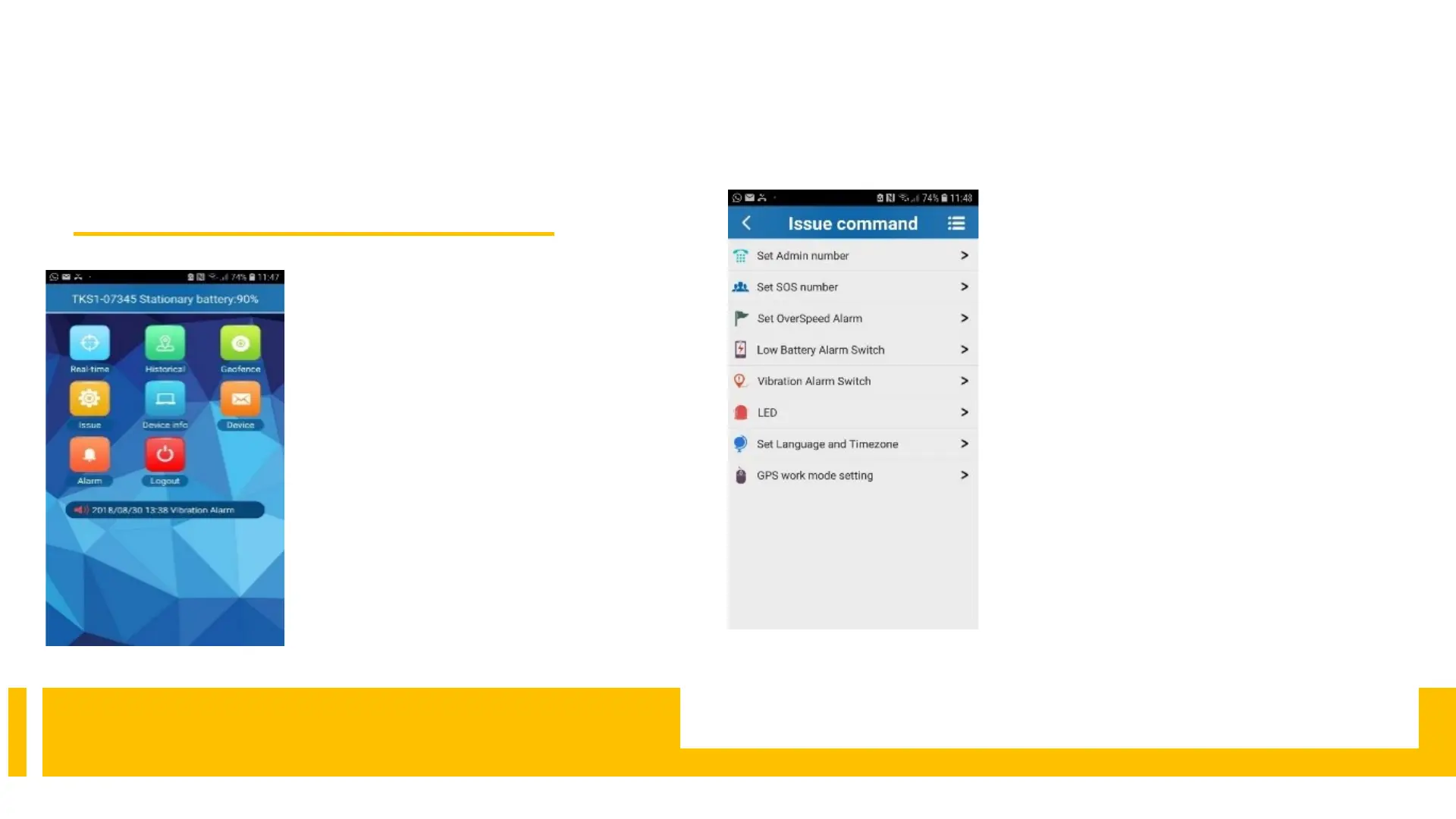
Real-time = position tracking
Historical = show routes
Geofence = Set safe area
Issue /Command = Miscellaneous
settings
Info = General information about the
device
Device = Messages
Alarm = alarms on/off
8.2 Overview
issues command = settings
Set Admin Nr .= Here you enter
your cell phone number with
country code (+49) .
Set SOS No. = You can create
up to three phone numbers here.
Set Overspeed = Info via SMS
if the set speed has been
exceeded
Low Battery Alarm Switch =
off/on
Vibration Alarm Switch =
Alarm on movement in sleep
mode
LED = not relevant
GPS works modesetting = How
often should the GPS tracker
send its position?
8.3settings



 To Next Page