9F0/!/-B5012 !T.1G0=-/!02R1.P<5012!12!@/02E!5F-!=<Uf51f=<U!R-<5@.-/!1R!U1@.!9,3!
Status light
n1@.!9,!F</!<!/02ED-!/5<5@/!D0EF5!12!5F-!R.125!T<2-D3!A5!E1-/!12!<2=!1RR!<2=!VD02?/!02!=0RR-.-25!W<U/!
=-T-2=02E!12!5F-!/5<5@/!1R!5F-!9,)!</!/F1W2!02!5F-!R1DD1W02E!5<VD-Z!
$B.--2!0/!B1PP@20B<502E!5F<5!9,!0/!123!
Screensaver"(screen"is"active)"
$B.--2!0/!B1PP@20B<502E!5F<5!9,!0/!123!
9,!0/!215!B122-B5- = !51 !T1W-.3!
9,!0/!B122-B5-=!51 !T1W-.!<2=!0/!.-<=U!51!
Starting"up"from"off"state"
$D1W!T@D/02E!VD02?!@250D!/5<.5@T!
On"(receiving"update"from"USB)"
$D1W!T@D/02E!VD02?!@250D!@T=<5-!
Remote"control"command"received"
9,!F</!.-B-0G-=!U1@.!B1P P<2 =3!
Powering"down"to"standby"mode"
$D1W!T@D/02E!VD02?!@250D!5F-!9,!
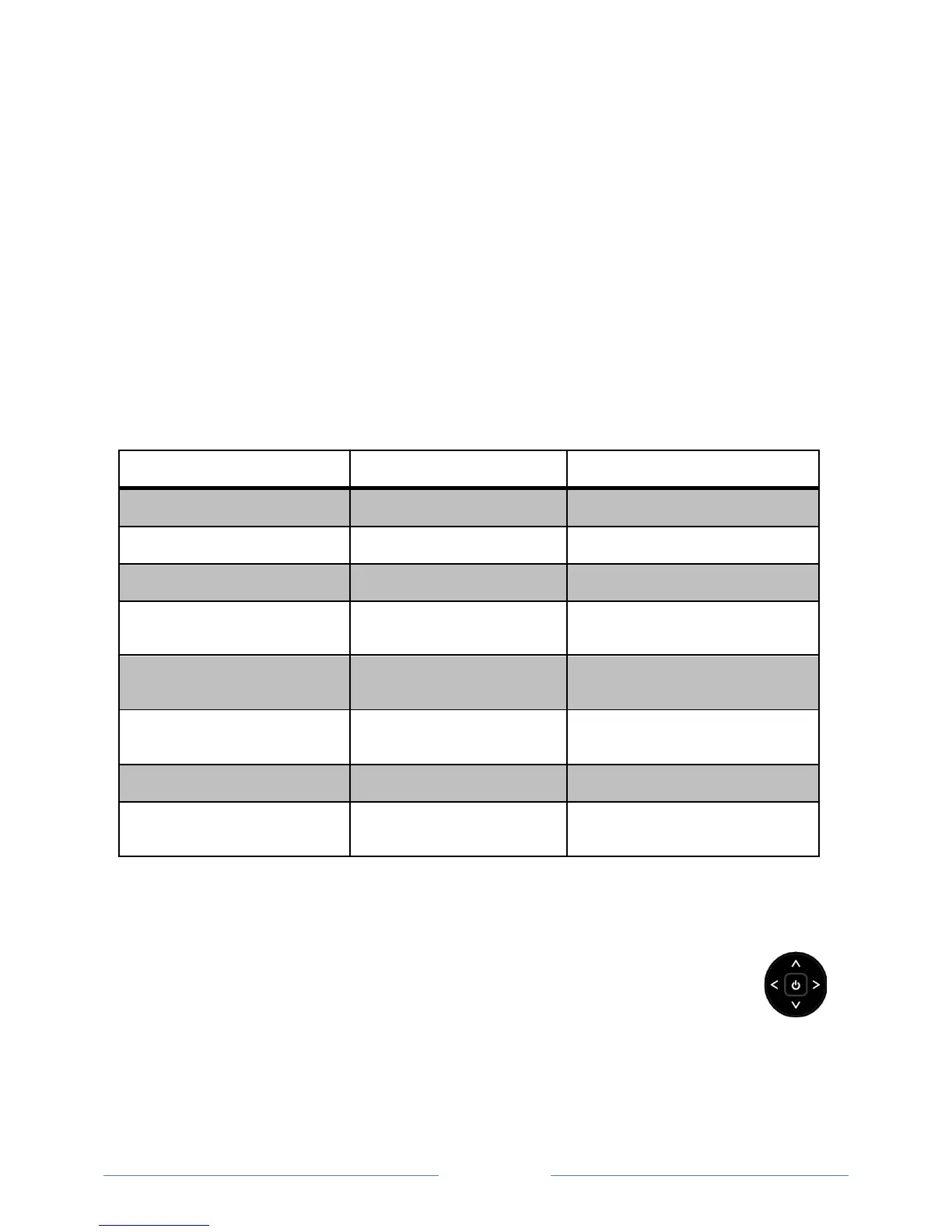
Panel buttons
9F-!B125.1D/!12!5F-!9,!-2<VD-!U1@!51!T-.R1.P!/0P TD-!R@2B5012/)!V@5!<.-!215!<!/@V/505@5-!R1.!
5F-!.-P15-!B1 2 5.1D3!9F-!d1U/50B?f5UT-!B125.1D!12!5F -!V< B?!1R!U1@.!9,!2-<.!5F-!D1W-.!.0EF5!
/0=-!T.1G0=-/!5F-!R1DD1W02E!R@2B5012/Z!!
• 4.-//!02!51!51EED-!V-5W--2!T1W-.!HL!<2=!$5<2=VU3!
• 4.-//!@T!1.!=1W2!51!02B.-</-Q=-B.-</-!5F-!G1D@P-3!
• 4.-//!D-R5!1.!.0EF5!51!/W05BF!02T@5/3!


 To Next Page