Injection Molding Machine Chapter 4
V3.0
4-28
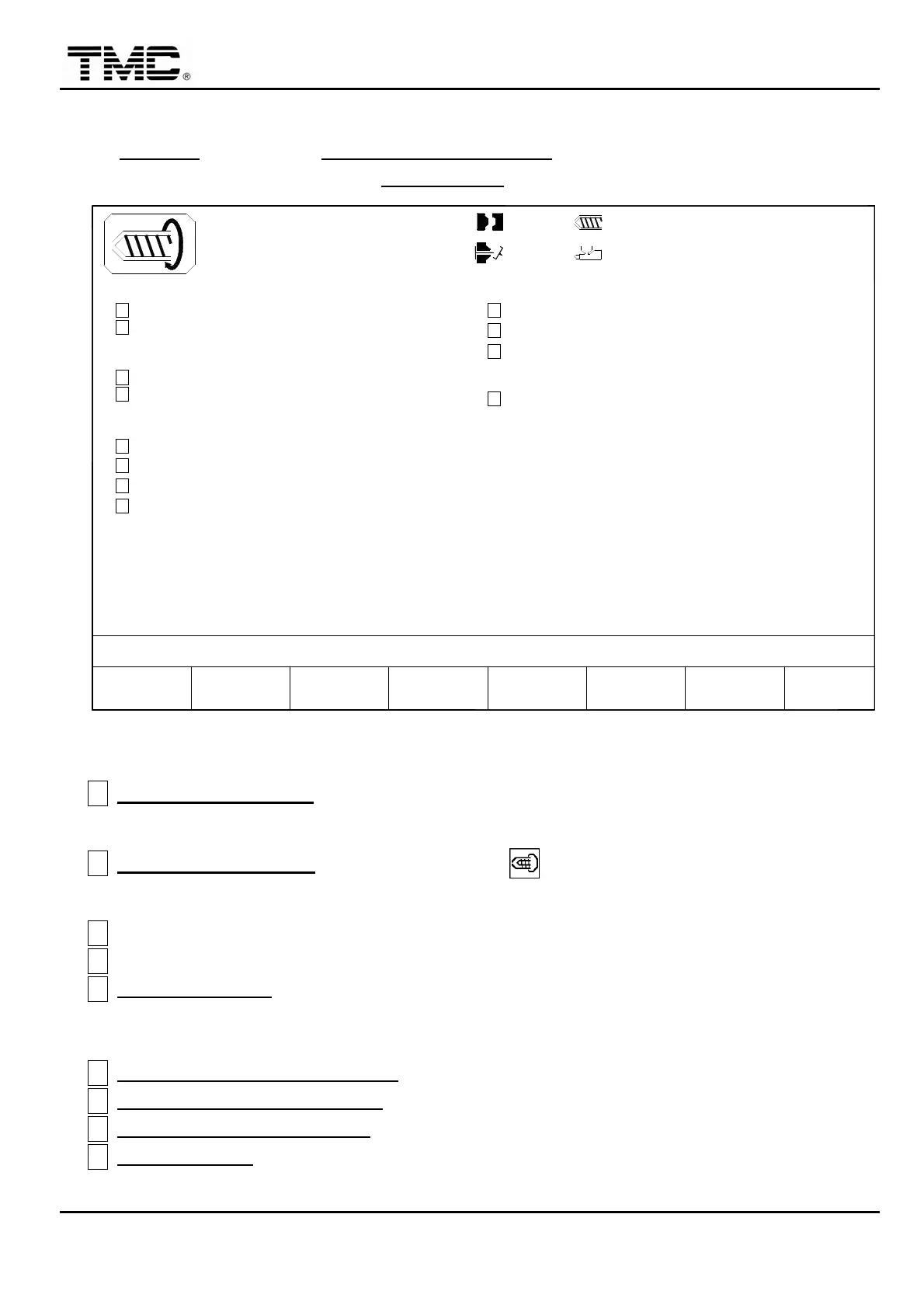
2.13 Charge/Carriage parameters
On CHARGE screen press F2 CHARGE PARAMETER or use the direction key in the main
menu screen to move the cursor to CHARGE PAR,press ENTER to display this screen.
10h25m10s
20°C
CARRIAGE MOVEMENT
SUCK BACK BEFORE OPEN
SUCK BACK AFTER CHARGE
SUCK BACK BEFORE CHARGE
CHARGE ONE TOUCH
03D05M07Y
F2F1 P/V
MENU
01
RAMP
E
H
G
F
INTRUSION
CHARGE ON FLY
INTRUSION T.
D
C
A
B
3W
SUPPORT
MOLDF3 F4AUTO B.P.
PURGE PROFILE
F5 F6CHANGE
LOG
MANAG.
PROD.F7 F8
FUNCTION
100.0mm
100.0mm
CARRIAGE MONITOR T.
CARRIAGE HOLD T.
0.0
OFF
OFF
OFF
< 5.0>
OFF
OFF
CHARGE SECTION
L
K
ACTION STATUS
M:
OFF
OFF
1.0mm
SUCK BACK T.
I
J
110.0mm
< 2.0>
< 3 >
0.0
0/ 0
0/ 0 0/ 0
< 10.0>
< 15.0>
P1:
0.0
0.0
P2:
0/ 0V1: V2:
Screen 4-16
A
CHARGE MOVEMENT
:
Set on to activate automatic carriage retract after charge and
advance before injection during auto cycle.
B
CHARGE ONE TOUCH
:
Press the charge key
once
,
charge operates continuously.
Press again to stop charge.
C INTRUSION:Refer to page 4-22.
D INTRUSION T.:Refer to page 4-22.
E CHARGE ON FLY: when set on,charge keeps running while mold open and close is still
on process.
Remarks: Option feature.
F SUCK BACK BEFORE CHARGE
:Run suck back first then charge.
G SUCK BACK AFTER CHARGE:Run charge first then suck back.
H SUCK BACK BEFORE OPEN:Run suck back just before mold open.
I SUCK BACK T.:Suck back monitor time,if this time is up,suck back stops no matter
what screw position is.


 To Next Page
 Loading...